Free generator · no account
Fantasy City Generator
Generate a medieval fantasy city from a seed — walls, gates, districts, streets, harbour and named landmarks — then open it in RPG Map Editor and edit every tile.
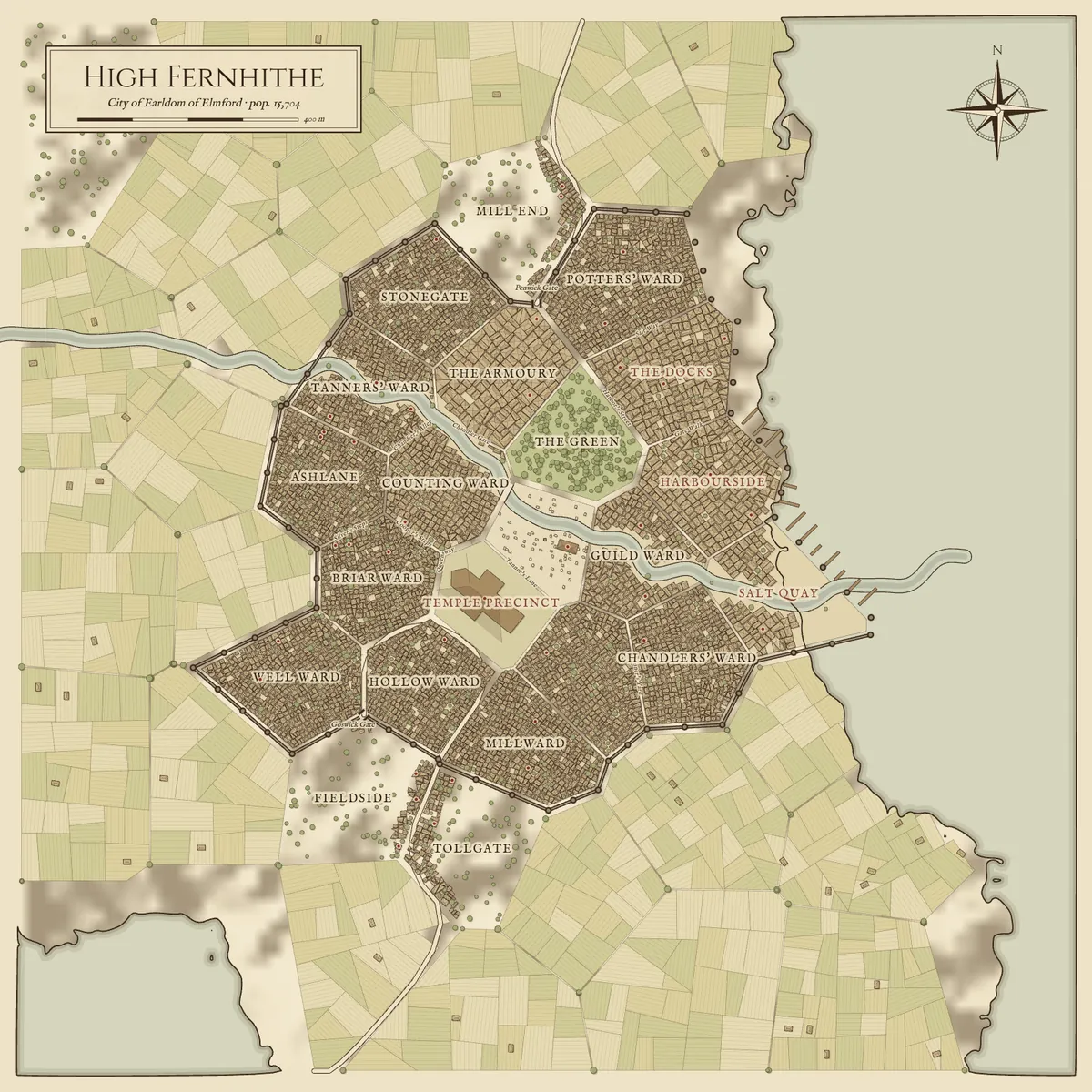
High Fernhithe
Example output · seed “amber-harbor”
Generating and downloading are free with no account. Editing needs an Online or Offline edition; your seed is kept on this device while you sign in.
A prosperous city of the Earldom of Elmford, home to some 15,704 souls amid grassland, known for smuggled brandy. Stout walls ring the old town. A wandering knight has challenged every champion in town.
Districts
- The Grand Market
- The beating heart of the city, loud with haggling and gossip.
- The Green
- Tree-lined walks and a statue of a forgotten hero.
- Stonegate
- Narrow houses lean over crooked lanes.
- Counting Ward
- Fine shopfronts and guild houses line clean, lantern-lit streets.
- Chandlers' Ward
- Hammers ring and vats steam; the air smells of leather and smoke.
- Potters' Ward
- Hammers ring and vats steam; the air smells of leather and smoke.
Notable places
- The Market Hall
- Market hall · Maud Redmane
- The Black Dragon
- Inn · Fenwick Dunmore
- Hall of Records
- Library · Corra Thorne
- Fairweather's Mill
- Mill · Petra Fairweather
- Northcott's Forge
- Smithy · Roderick Northcott
- Stonebridge's Mill
- Mill · Brann Stonebridge
- Ashdown's Cooperage
- Shop · Gwen Ashdown
- Dunmore's Mill
- Mill · Gwen Dunmore
What the city generator makes
Each seed produces a complete settlement plan, drawn as a finished map you can download or open in the editor:
- Districts — named wards such as markets, temple precincts, docks and craft quarters, each with a short description.
- Streets — main roads from the gates to the centre, named secondary streets, and the approach roads from the surrounding region.
- Walls and a citadel for cities and capitals, with towers and named gates.
- Water — coastlines, rivers, bridges and harbour piers taken from the region the city sits in.
- Buildings — thousands of lots and roofs, plus notable places (inns, temples, guildhalls, keeps) with names and owners.
- Countryside — farmland, woods and hamlets outside the walls.
Sizes and settings
| Village | A few dozen buildings around a crossroads. |
|---|---|
| Town | A market town of one to four thousand buildings; about half are walled. |
| City | Walled, with roughly ten to twenty districts. |
| Capital | The largest settlement in its realm, often with a citadel. |
| Coastal | Prefers a port with a harbour and piers. |
| River crossing | Prefers a town on a river with bridges. |
| Inland | Prefers a settlement away from the sea. |
Four inks: parchment, ink, atlas and dark. PNG downloads are 3200 × 3200 px.
Examples
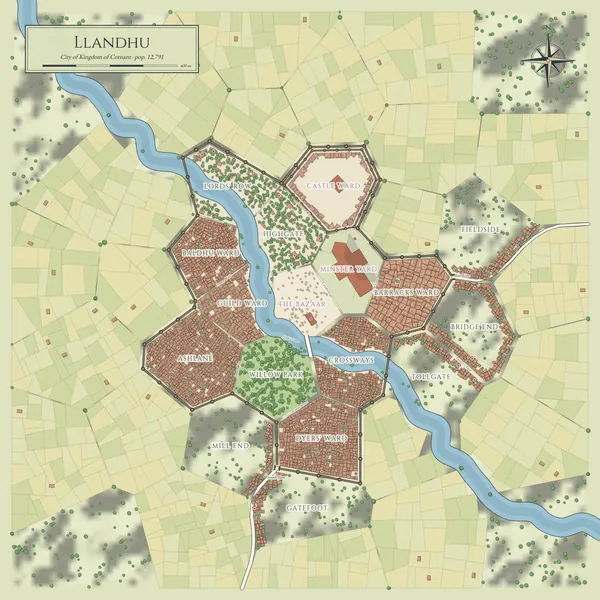
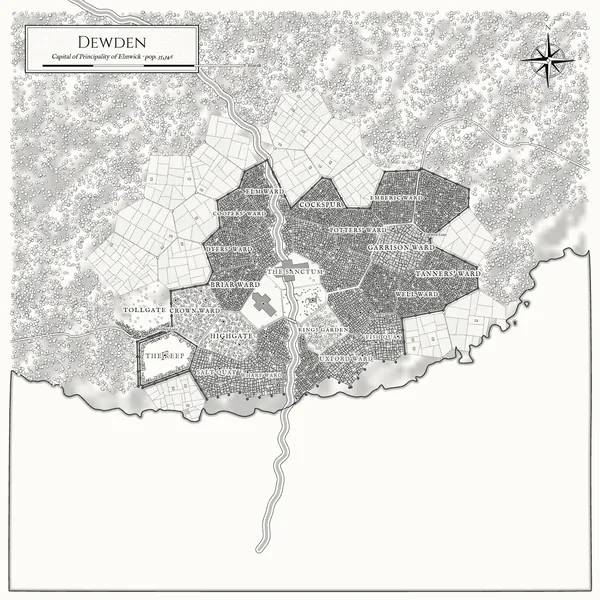
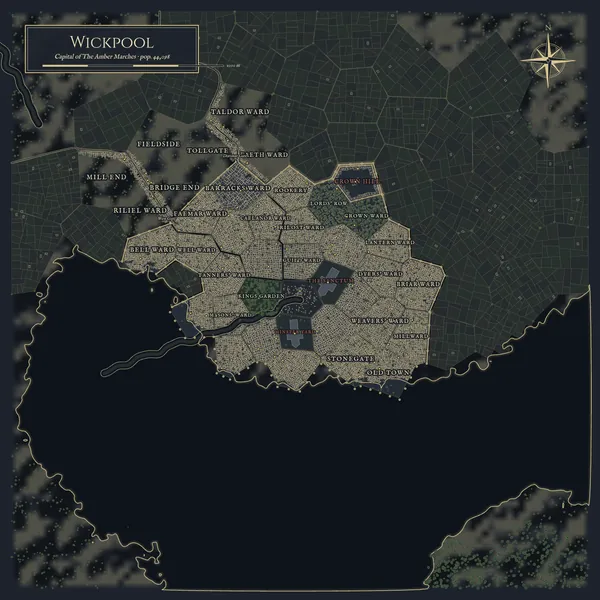
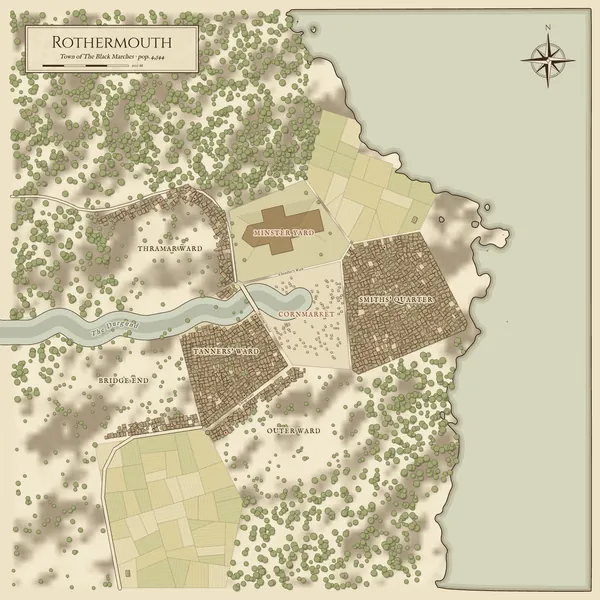
Cities from four different seeds
Unedited generator output. Select one to generate it again with the same settings.
How it works
The generator does not draw a city in isolation. It first generates a whole region from your seed, picks the settlement that best matches the size and setting you chose, and then lays that settlement out using the geography around it.
- Geography. The coastline, rivers, relief, woodland and the roads arriving at the town are sampled from the region map, so a harbour town really sits on its bay.
- Wards. Points scattered around the centre become a Voronoi diagram of wards. Wards near the centre and along main roads become urban; the rest become fields, woods and hamlets.
- Walls and gates. Larger settlements get a wall around the urban core, with towers and gates where the main roads cross it.
- Streets. Main streets are routed from each gate to the market across ward boundaries, avoiding the wall line; longer chains become named secondary streets.
- Districts. Wards are assigned roles — market, temple precinct, castle on the highest ground, docks beside the water, craft and residential quarters.
- Lots and buildings. Every block is subdivided into lots and roofs; landmarks get names and owners drawn from the region’s culture.
Everything runs in your browser in a background worker, usually in one to two seconds. The same seed and settings always reproduce the same city.
Edit the city in RPG Map Editor
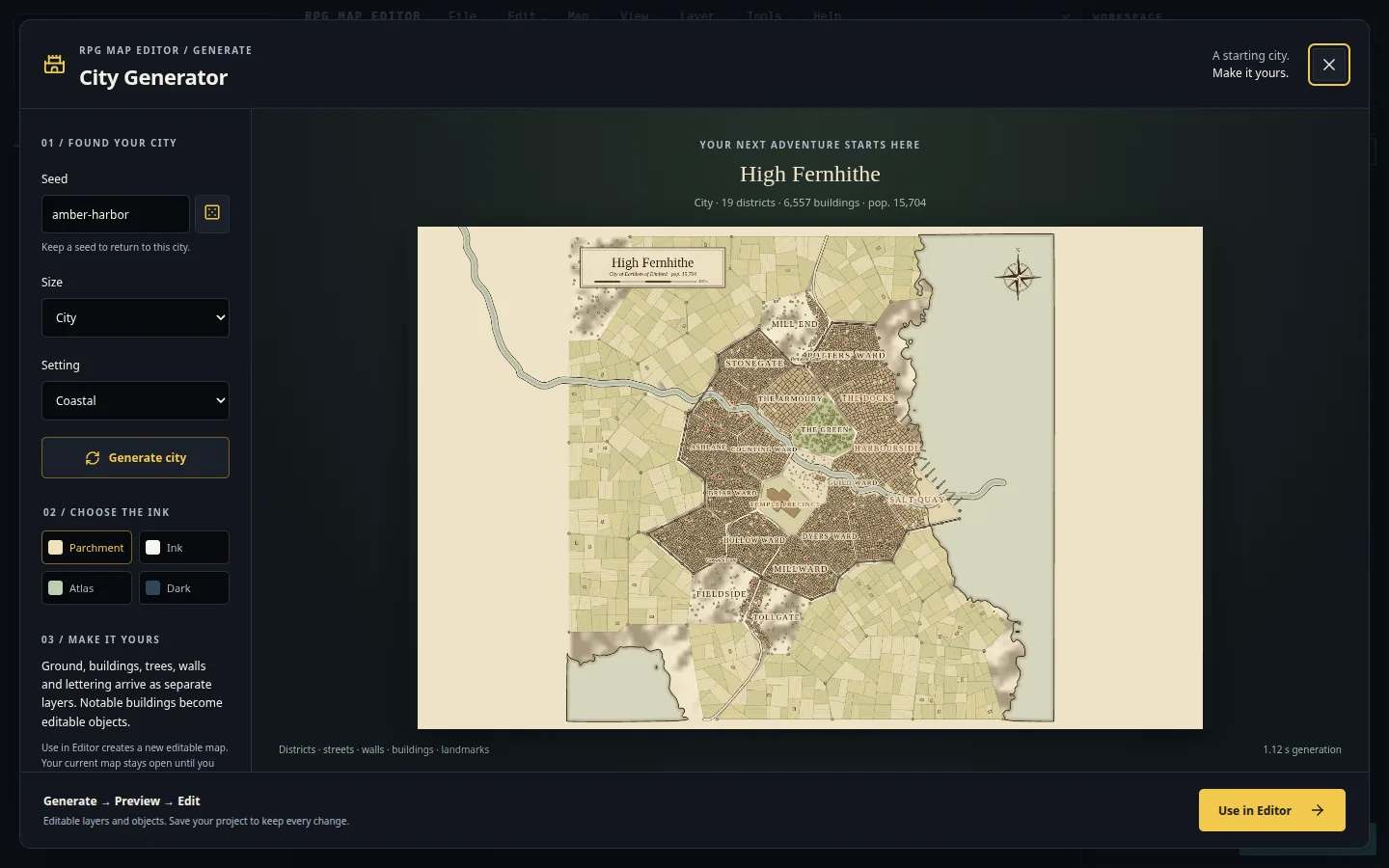
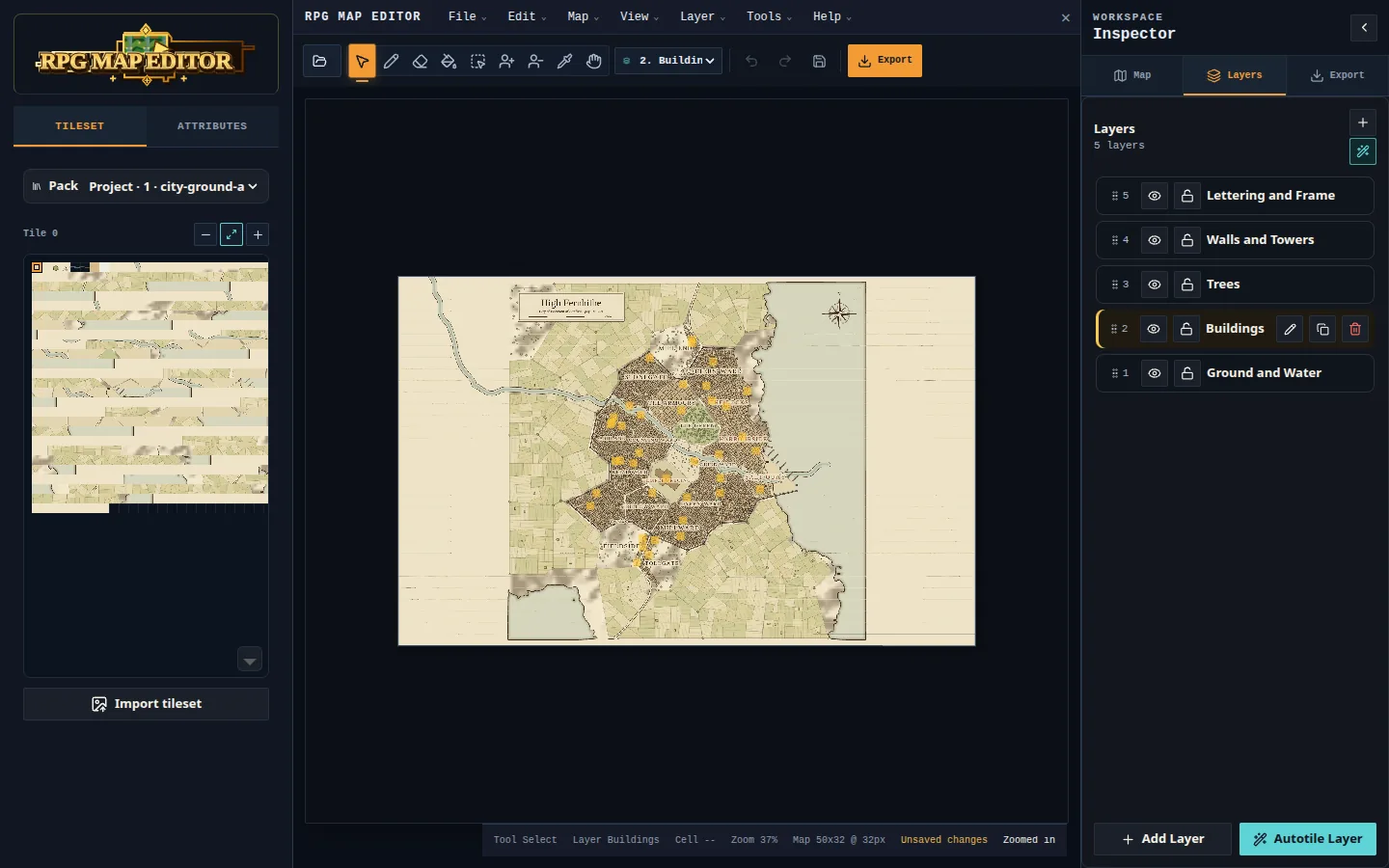
Select Edit in RPG Map Editor. The editor opens its City Generator with your seed already filled in; choose Use in Editor and the city becomes an ordinary project:
- Ground and Water, Buildings, Trees, Walls and Towers and Lettering and Frame arrive as separate tile layers you can hide, lock or repaint.
- Notable buildings become objects with editable Name and Notes fields — rename the inn, add a quest hook.
- Erase a district, paint over a street, add your own tilesets, undo anything.
- Export a PNG for your VTT, a project bundle to keep editing, or a starter bundle for a game engine.
Editing is part of the paid Online and Offline editions. If you need to sign in first, your seed waits on this device for 24 hours.
Questions
City generator FAQ
Is the fantasy city generator free?
Yes. Generating cities and downloading PNG maps is free and needs no account. Opening a city in RPG Map Editor to edit its layers is part of the paid Online and Offline editions.
Can I get the same city again?
Yes. The generator is deterministic: the same seed, size and setting always produce the same city, in any of the four inks. Keep the seed in your campaign notes to regenerate it later.
Can I use the maps in my campaign or game?
Under the RPG Map Editor Terms of Service you own the maps you create, including generated ones. If you later add third-party tilesets in the editor, check those tilesets' licences before selling a map.
Is this Watabou's Medieval Fantasy City Generator?
No. It is an independent generator built into RPG Map Editor and is not affiliated with Watabou. Its main difference is the handoff: a generated city opens in a tile editor as separate layers and objects that you keep editing.
Why does a village look so different from a capital?
Size changes everything downstream: villages get a handful of buildings around a crossroads, towns may or may not be walled, cities are always walled, and capitals are the largest settlement in their realm and often have a citadel.
Generate the start. Make the rest yours.
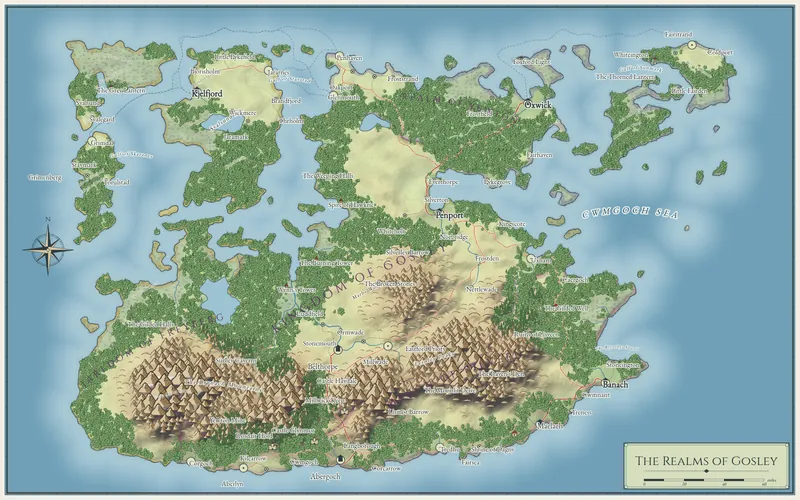
Open any city or world in RPG Map Editor as tile layers you can paint, rename and export.