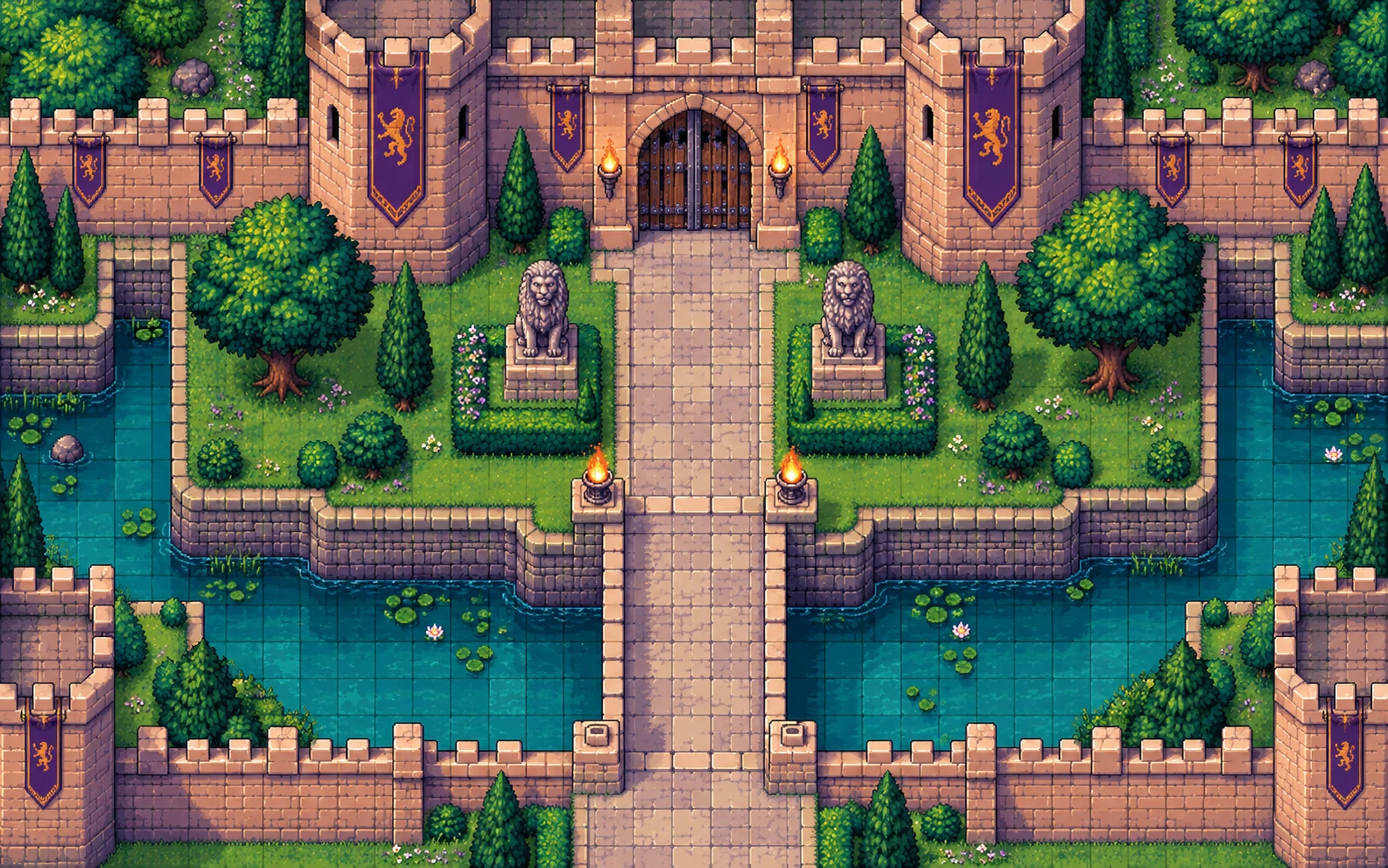
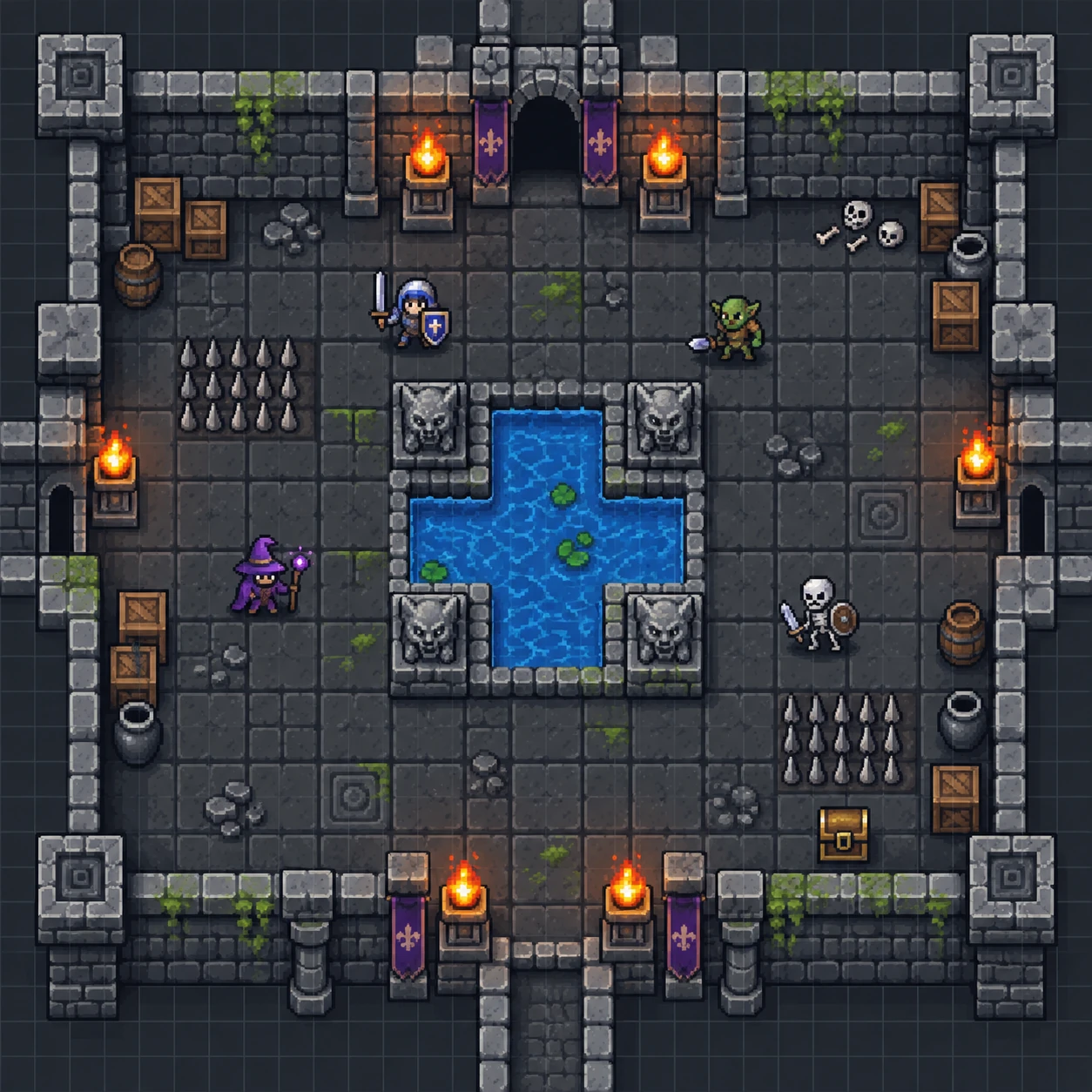
Browser battle map maker for D&D and TTRPGs

Free Browser Battle Map Maker for D&D

Create playable RPG battle maps in your browser. Paint terrain, place props, align the grid, save your work, and export PNG maps for Roll20, Foundry VTT, or print.

What is RPG Map Editor?

RPG Map Editor is a browser-based and Windows battle map maker for Dungeon Masters, TTRPG players, and game creators. It helps you create grid-based maps with terrain and props, export PNG files for tabletop or VTT play, and is available for browser use or as a Windows download distributed through Microsoft Store.

Map-making workflow

A simple, web-based battle map editor

Focused on readable tactical maps, fast browser prep, and practical exports for game night.

01

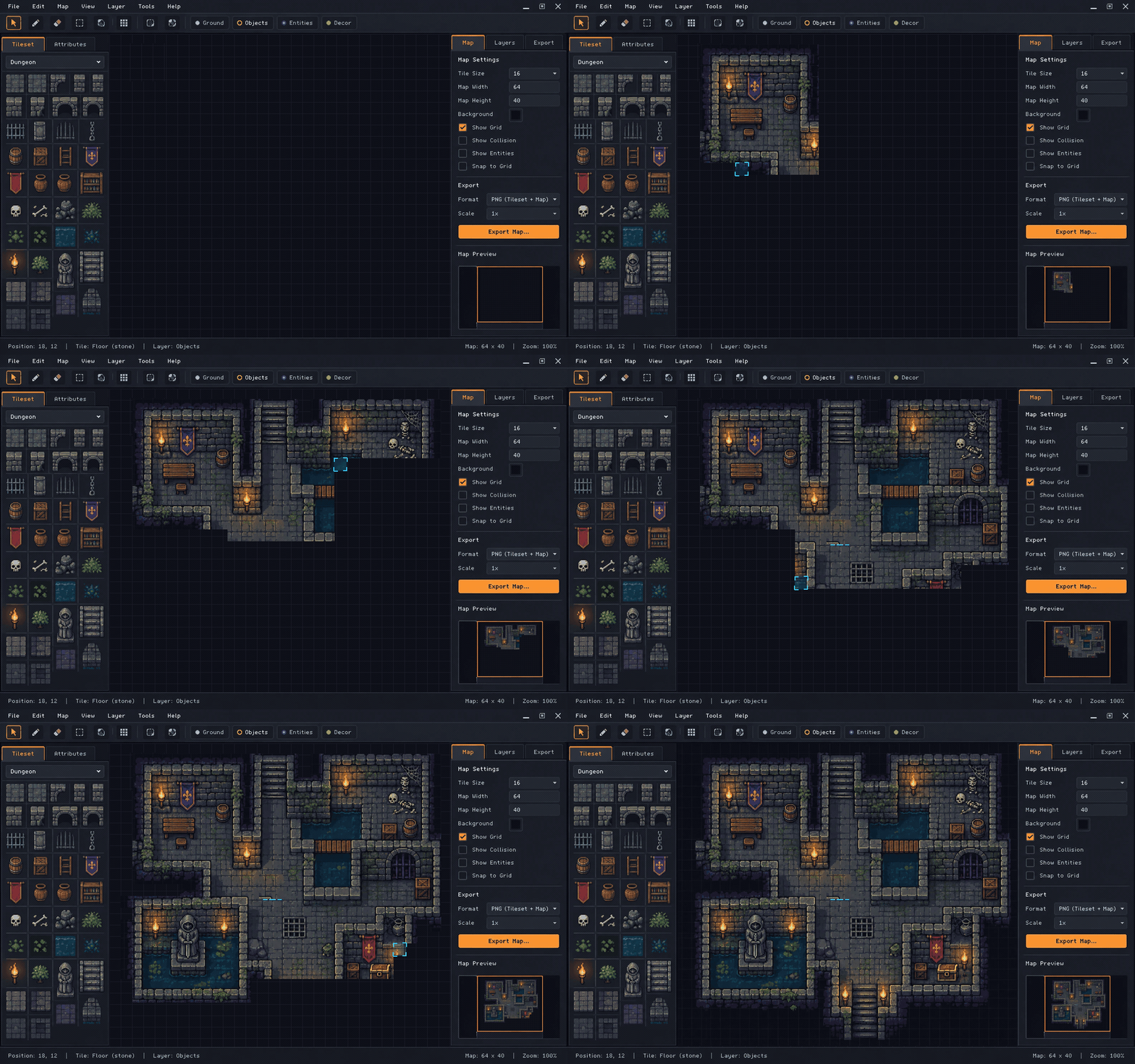
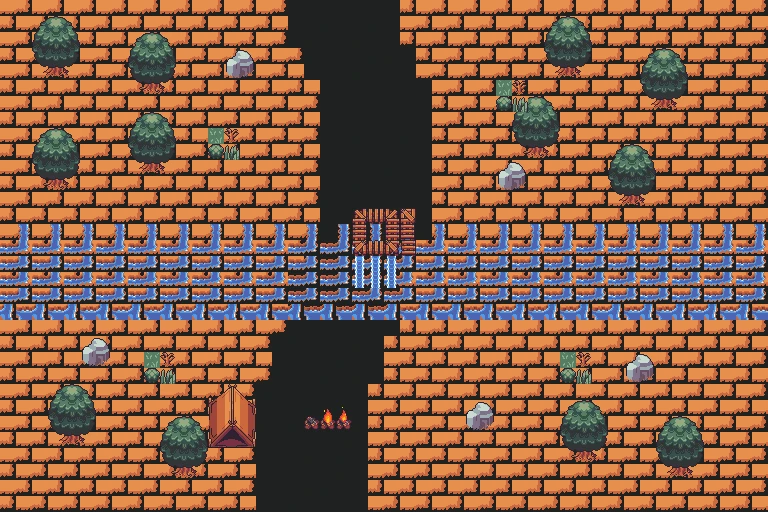
Paint terrain

Start from a blank canvas and build rooms, roads, caves, ruins, and wilderness spaces with terrain tools.

Terrain x
Terrain painting example in RPG Map Editor

02

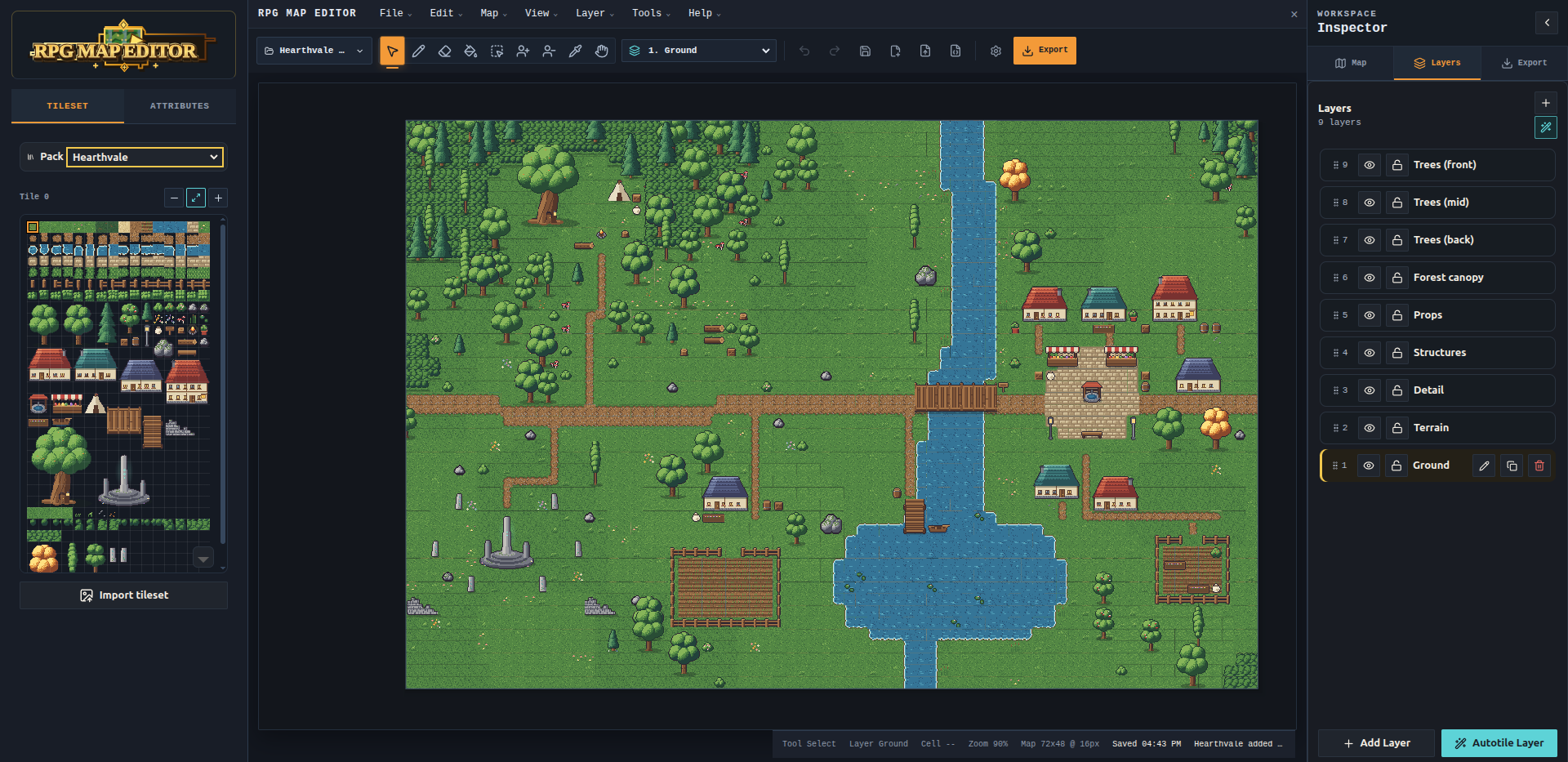
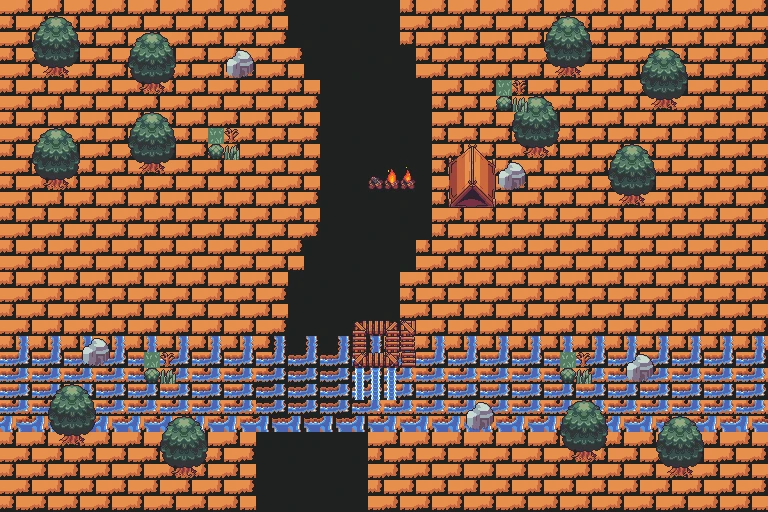
Place props

Dress the map with objects, cover, doors, hazards, and readable details that matter during tabletop play.

Props x
Props and encounter details in RPG Map Editor

03

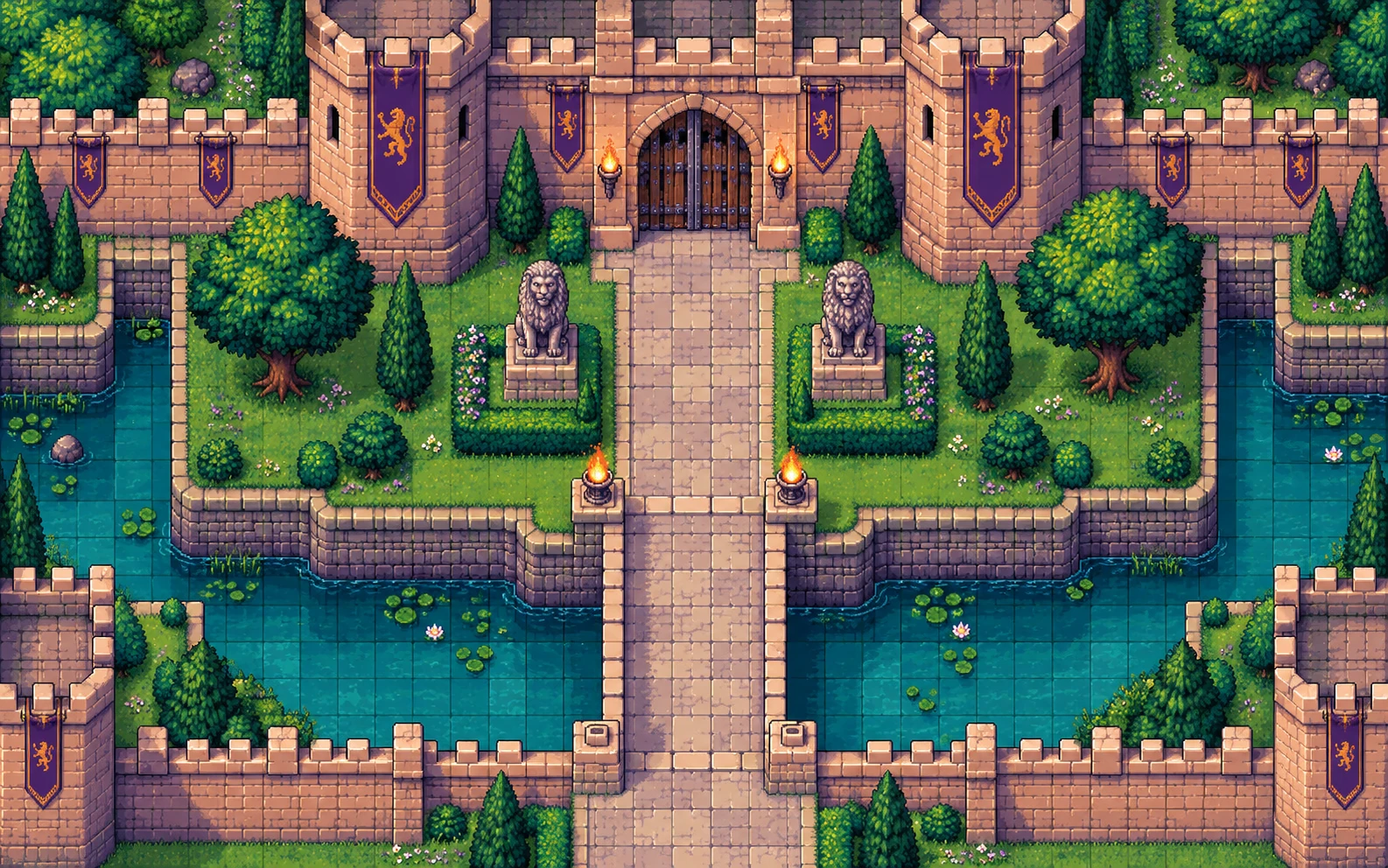
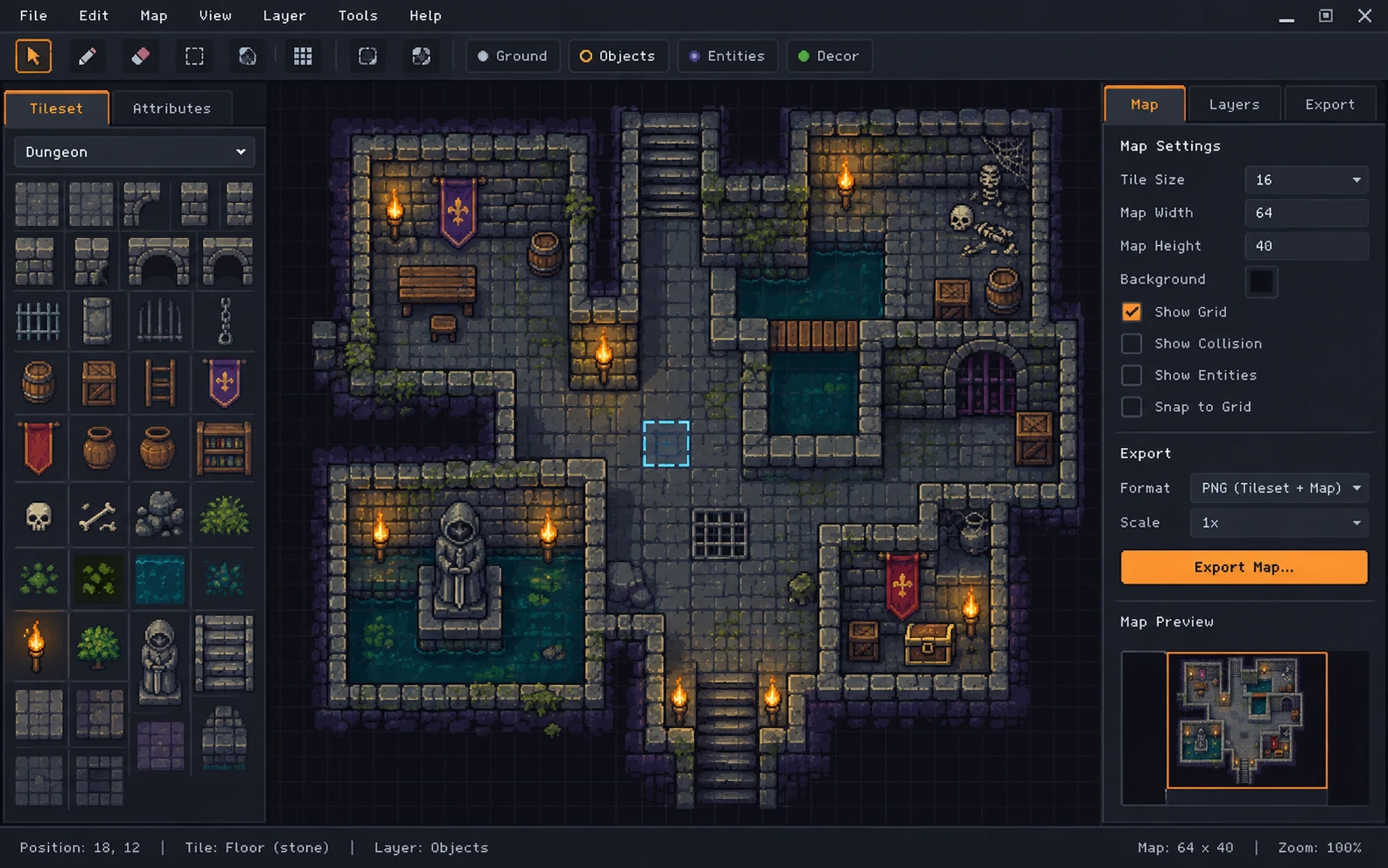
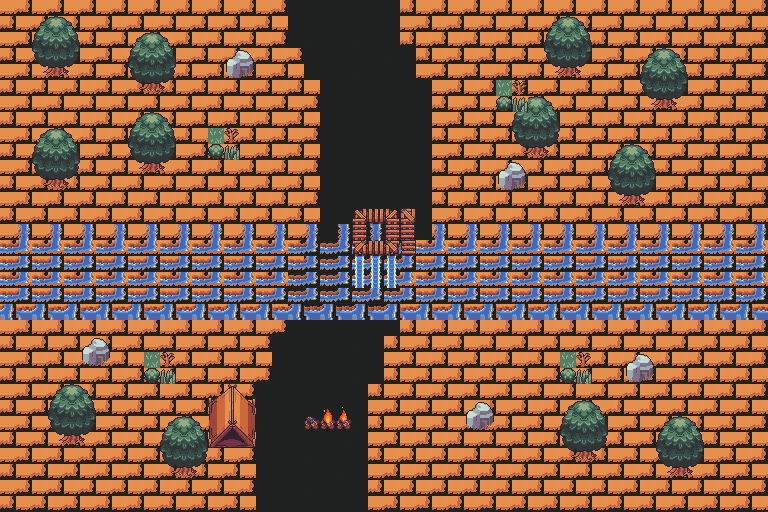
Export for play

Export PNG maps for VTT upload or print, and generate starter tilemap bundles for supported game engines.

Export x
Export-ready RPG battle map preview

Workflow

How RPG Map Editor works

  1. 1

    Start from a blank canvas.

  2. 2

    Paint terrain.

  3. 3

    Place props and tactical cover.

  4. 4

    Align the grid.

  5. 5

    Export PNG.

  6. 6

    Import into Roll20, Foundry VTT, or print it.

Game engine exports

Integrated export support for popular game engines

RPG Map Editor can generate starter tilemap bundles for Unity, Godot, Cocos, Phaser, GDevelop, Bevy, LOVE 2D, Defold, and Flame. Export from the browser editor, then bring the generated manifest, tileset, and loader scaffold into your engine project.

Logos identify compatible export targets. RPG Map Editor is independent and is not endorsed by these engine teams.

  • Unity export support logoUnity
  • Godot export support logoGodot
  • Cocos export support logoCocos
  • Phaser export support logoPhaser
  • GDevelop export support logoGDevelop
  • Bevy Engine export support logoBevy
  • LOVE 2D export support logoLOVE 2D
  • Defold export support logoDefold
  • Flame export support logoFlame

Honest scope

Currently supported vs not yet supported

Currently supported

  • Windows Native desktop client (offline map prep)
  • Browser-based map editing
  • Terrain painting
  • Props and stamps
  • Grid-based battle maps
  • PNG export for VTT or print use
  • Game-engine starter exports for Unity, Godot, Cocos, Phaser, GDevelop, Bevy, LOVE 2D, Defold, and Flame

Not yet supported

  • Native Foundry scene export
  • Roll20 dynamic lighting export
  • Automatic wall and door export

Free accounts can also save up to three maps. See the roadmap for direction—not promises.

Pricing

Start free. Upgrade when you outgrow 3 saved maps.

Free
$ 0 /forever
  • 3 saved maps
  • PNG export
  • Core editor
  • Free Windows download

The free plan is built for creating and keeping 3 saved maps.

Start free

FAQ

Common questions

What is RPG Map Editor?

RPG Map Editor is a browser-based battle map maker for Dungeon Masters and TTRPG players. It helps you create grid-based maps with terrain and props, export PNG files for tabletop or VTT play, and prepare playable encounters for D&D, Pathfinder, Roll20, Foundry VTT, or print.

Is RPG Map Editor free to try?

Yes. Create a free account for browser editing, up to three saved maps, core editor tools, PNG export, and forum access. Studio is optional when you need more saves or share links.

Can I use RPG Map Editor for D&D battle maps?

Yes. The editor is built for grid-based encounter maps: paint terrain, place props, align a tactical grid, and export PNG files sized for your table or virtual tabletop.

Does RPG Map Editor work with Roll20?

Yes for image-based maps. Export a PNG from the editor, upload it to Roll20, and align Roll20’s grid to the artwork. RPG Map Editor does not upload directly to Roll20 or export Roll20 dynamic lighting, walls, or doors.

Does RPG Map Editor work with Foundry VTT?

Yes for scene backgrounds. Export a PNG, import it into a Foundry scene, then set grid size and origin in Foundry. Native Foundry scene JSON, walls, doors, and lighting export are not shipped from the map editor.

Can I export maps as PNG files?

Yes. PNG export is the primary handoff for VTT upload, print reference, and sharing still images. Verify grid scale inside your VTT after import.

Which game engines does RPG Map Editor export to?

The editor includes experimental starter bundle exports for Unity, Godot, Cocos, Phaser, GDevelop, Bevy, LOVE 2D, Defold, and Flame. These exports are independent workflow helpers and do not imply endorsement by the engine teams.

Does RPG Map Editor support walls, doors, and lighting export?

No. Walls, doors, dynamic lighting, and fog are configured inside Roll20 or Foundry after you import the PNG. The editor focuses on the visual battle map.

Is RPG Map Editor browser-based?

Yes. The shipped workflow runs in a modern desktop browser with WebGL2—no separate native map app install for editing and export.

How is RPG Map Editor different from Inkarnate?

RPG Map Editor focuses on fast encounter-scale battle maps, terrain, stamps, saves, and PNG export in the browser. Inkarnate is often stronger for illustrated world and regional cartography with a larger asset ecosystem—see the Inkarnate alternative page for an honest comparison.

Who is RPG Map Editor for?

Dungeon Masters and game masters who need playable tactical maps for D&D-style and other grid-based TTRPGs—especially when you want browser prep, saved maps, and PNG handoff for Roll20, Foundry, or in-person play.

Your next session needs a map.

Create a free account, save maps, and export a PNG before game night.

Create an Account Download Windows App