Free generator · no account
Fantasy Map Generator
Generate a fantasy region from a seed — coastlines, mountains, rivers, forests, kingdoms, roads and named towns — then open it in RPG Map Editor as editable layers.
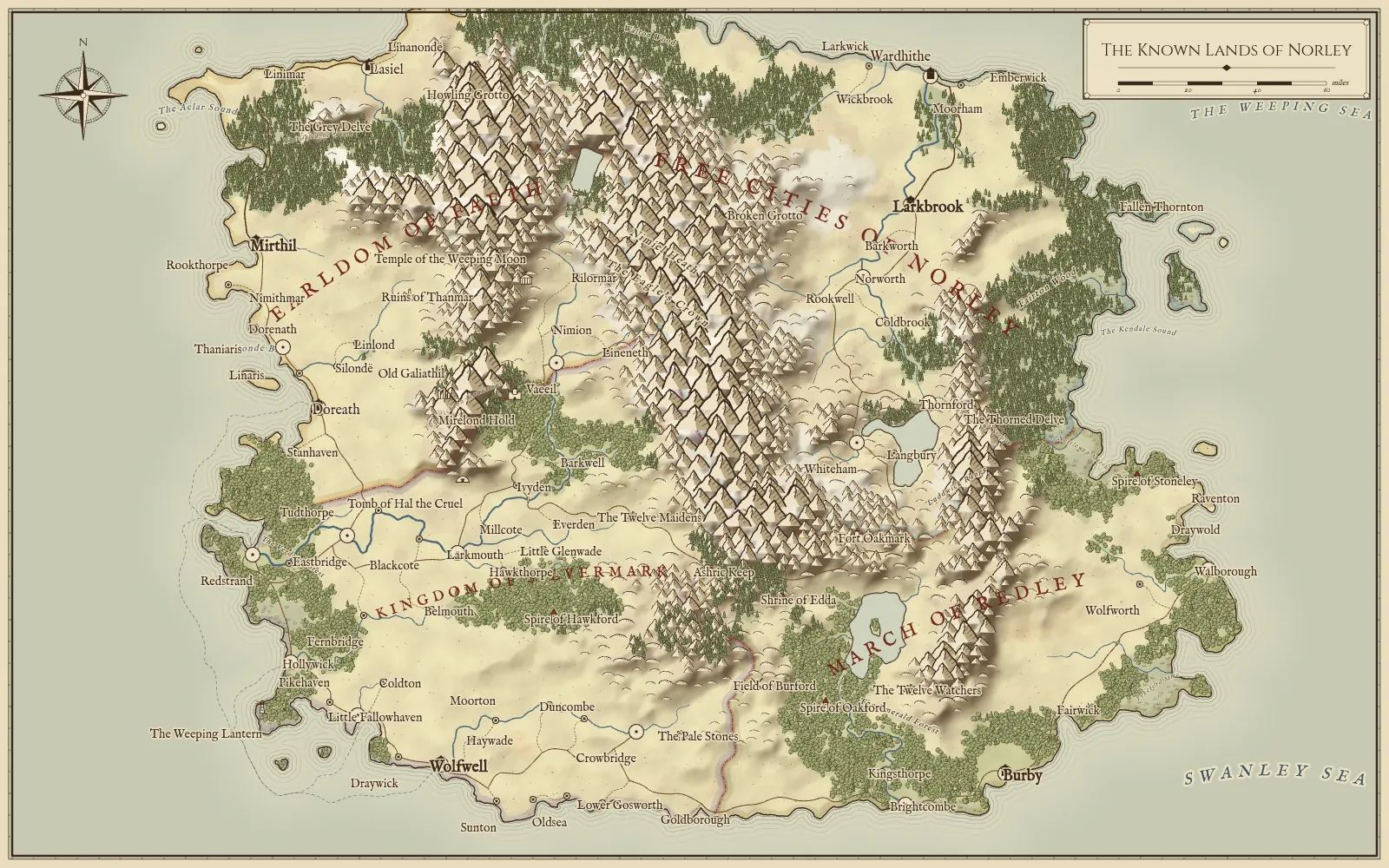
The Known Lands of Norley
Example output · seed “silver-coast”
Generating and downloading are free with no account. Editing needs an Online or Offline edition; your seed is kept on this device while you sign in.
Largest settlements
- Mirthil
- Capital · pop. 38,747 · port
- Wolfwell
- Capital · pop. 38,591 · port
- Burby
- Capital · pop. 38,370 · port
- Larkbrook
- Capital · pop. 31,760
- Wardhithe
- City · pop. 13,161 · port
- Lasiel
- City · pop. 9,697 · port
Landmarks
- Fort Oakmark
- Castle
- Ashric Keep
- Castle
- Mirelond Hold
- Castle
- Old Galiathil
- Ruin
- Fallen Thornton
- Ruin
- Ruins of Thanmar
- Ruin
What the map generator makes
Each seed produces a regional fantasy map — the scale of a kingdom or a campaign setting — with geography that holds together:
- Coasts and seas in seven landforms, from a single continent to scattered archipelagos.
- Mountains, hills and rivers shaped by simulated drainage and erosion, with lakes and named tributaries.
- Biomes — forest, grassland, desert, marsh and snow — from temperature and moisture.
- Settlements — capitals, cities, towns and villages placed where people would actually settle.
- Roads and realms — roads that follow valleys and bridge rivers, and kingdom borders that follow mountains.
- Names and lettering for seas, ranges, rivers, realms and every settlement and landmark.
Landforms
| Continent | Land fills most of the map, with ocean along one or two sides. |
|---|---|
| Island | A single island surrounded by sea. |
| Archipelago | Many islands and straits. |
| Peninsula | Land reaching into the sea from one side. |
| Inland sea | Land wrapped around a central sea. |
| Twin isles | Two large islands facing each other. |
| Coastline | A long shore dividing land from open sea. |
Four inks: parchment, ink, atlas and dark. PNG downloads are 1600 × 1000 px.
Examples
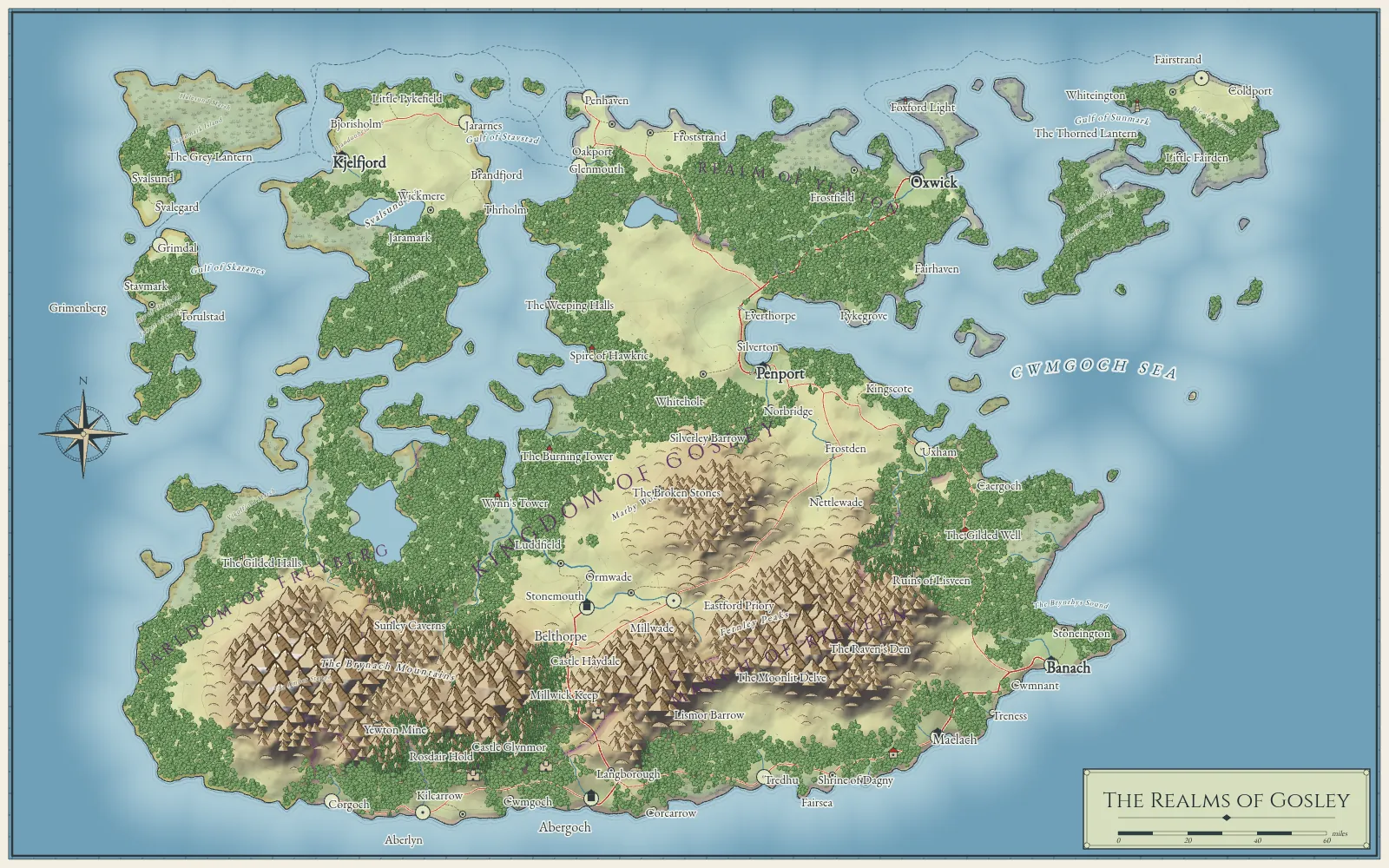
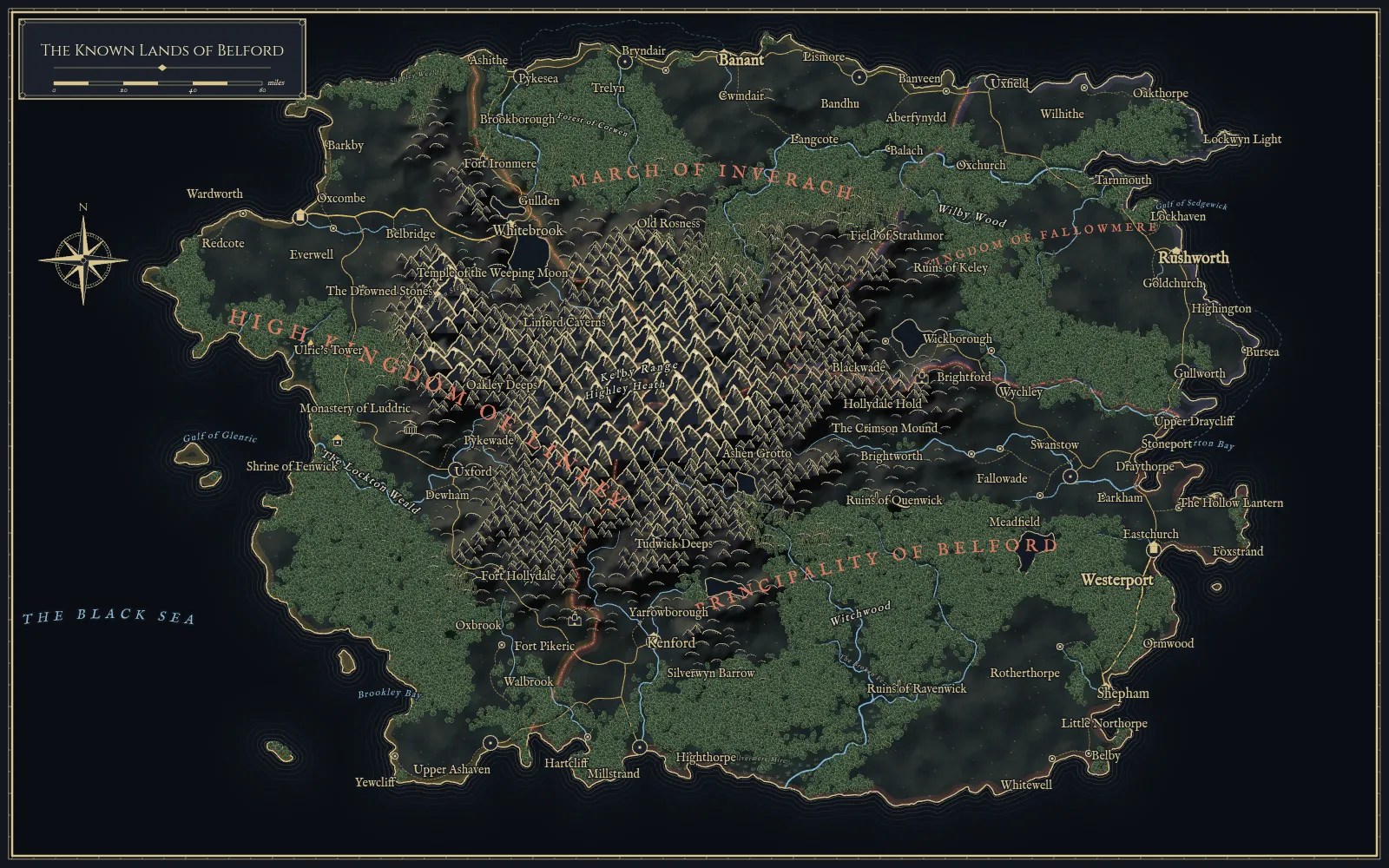
Three regions, three inks
Unedited generator output. Select one to generate it again.
How it works
- Mesh. About 7,500 evenly spaced points become a Voronoi mesh of cells.
- Elevation. The landform sets the broad shape; layered noise and ridged mountain chains add relief.
- Water. Drainage is filled and routed downhill, erosion carves valleys, and accumulated flow traces rivers and lakes.
- Climate. Temperature and moisture decide each cell’s biome.
- Settlements. Sites are scored for fertility, rivers, confluences and sheltered harbours, then filled from capitals down to villages.
- Roads and realms. Roads are routed over the terrain so trunks form naturally; kingdoms grow from capitals over terrain-weighted distance.
Generation runs in a background worker in your browser. The same seed and settings always reproduce the same world.
Edit the map in RPG Map Editor
Select Edit in RPG Map Editor and the editor’s World Generator opens with your seed, landform and ink. Choose Use in Editor to turn it into a normal project:
- Six tile layers — Terrain, Mountains, Forests, Rivers, Roads and Realms, Lettering and Frame.
- Every settlement and landmark becomes an object with Name, Notes and Population you can move and rename.
- Paint terrain swatches, erase a forest, add your own tiles, and export a PNG or project file.
The imported map is editable tile art: repainting a coast does not re-run rivers or roads. Keep the seed if you want to regenerate the original.
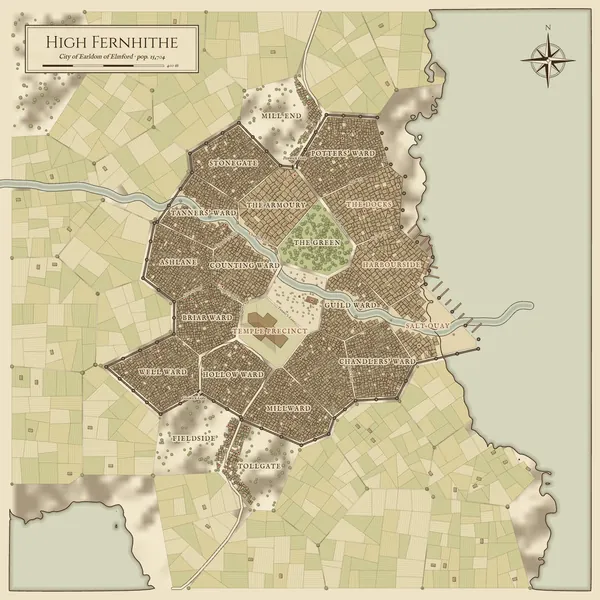
Want a closer view? Use the fantasy city generator to lay out a single settlement street by street.
Questions
Map generator FAQ
Is the fantasy map generator free?
Yes. Generating maps and downloading PNGs is free and needs no account. Editing a generated map's layers, places and names happens in RPG Map Editor, which is part of the paid Online and Offline editions.
How big is a generated map?
A region roughly the size of a kingdom or campaign setting, with about 50 to 70 settlements, a few dozen rivers and around 20 landmarks. For a single settlement in detail, use the fantasy city generator.
Can I regenerate the same world?
Yes. The same seed, landform and settlement density always produce the same map. In the editor's World Generator you can also re-roll terrain, settlements, roads, names or landmarks independently.
Does editing the map in RPG Map Editor change the rivers and roads?
No. An imported map is editable tile art and objects: you can repaint terrain, move and rename places, and add your own tiles, but repainting does not re-run hydrology or re-route roads.
Generate the start. Make the rest yours.
Open any city or world in RPG Map Editor as tile layers you can paint, rename and export.