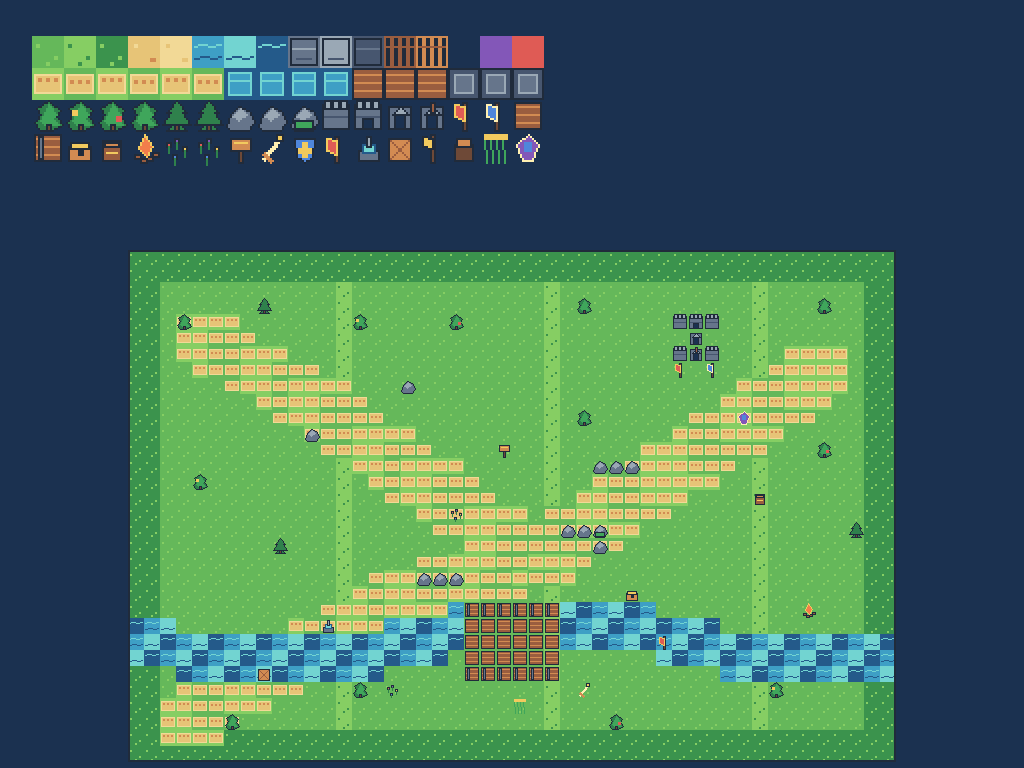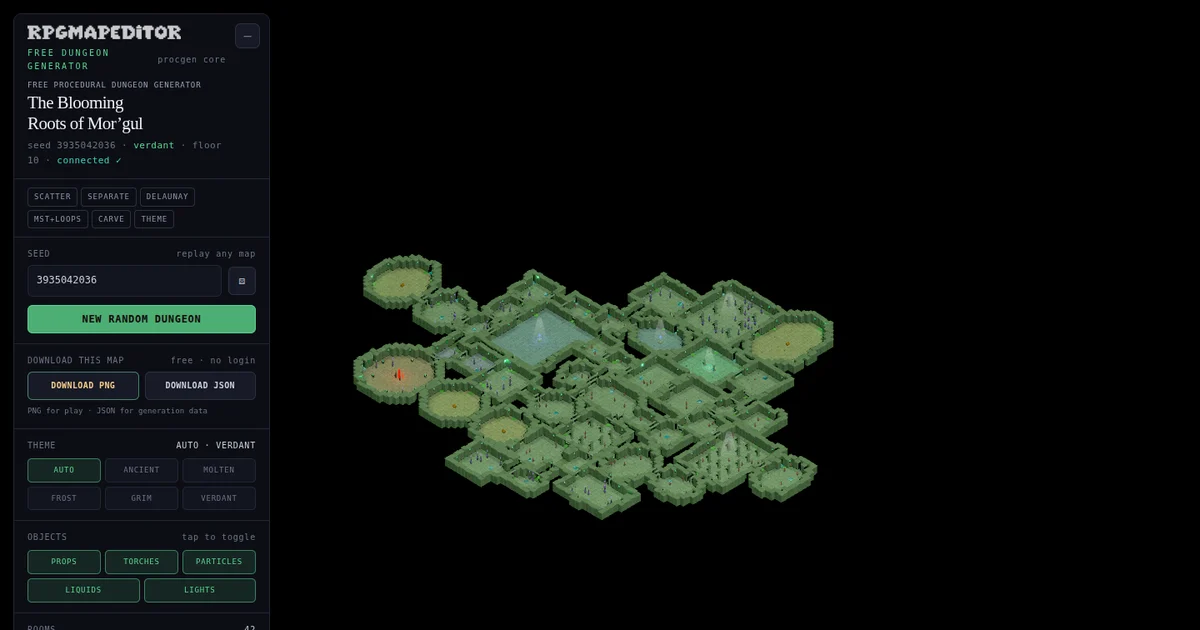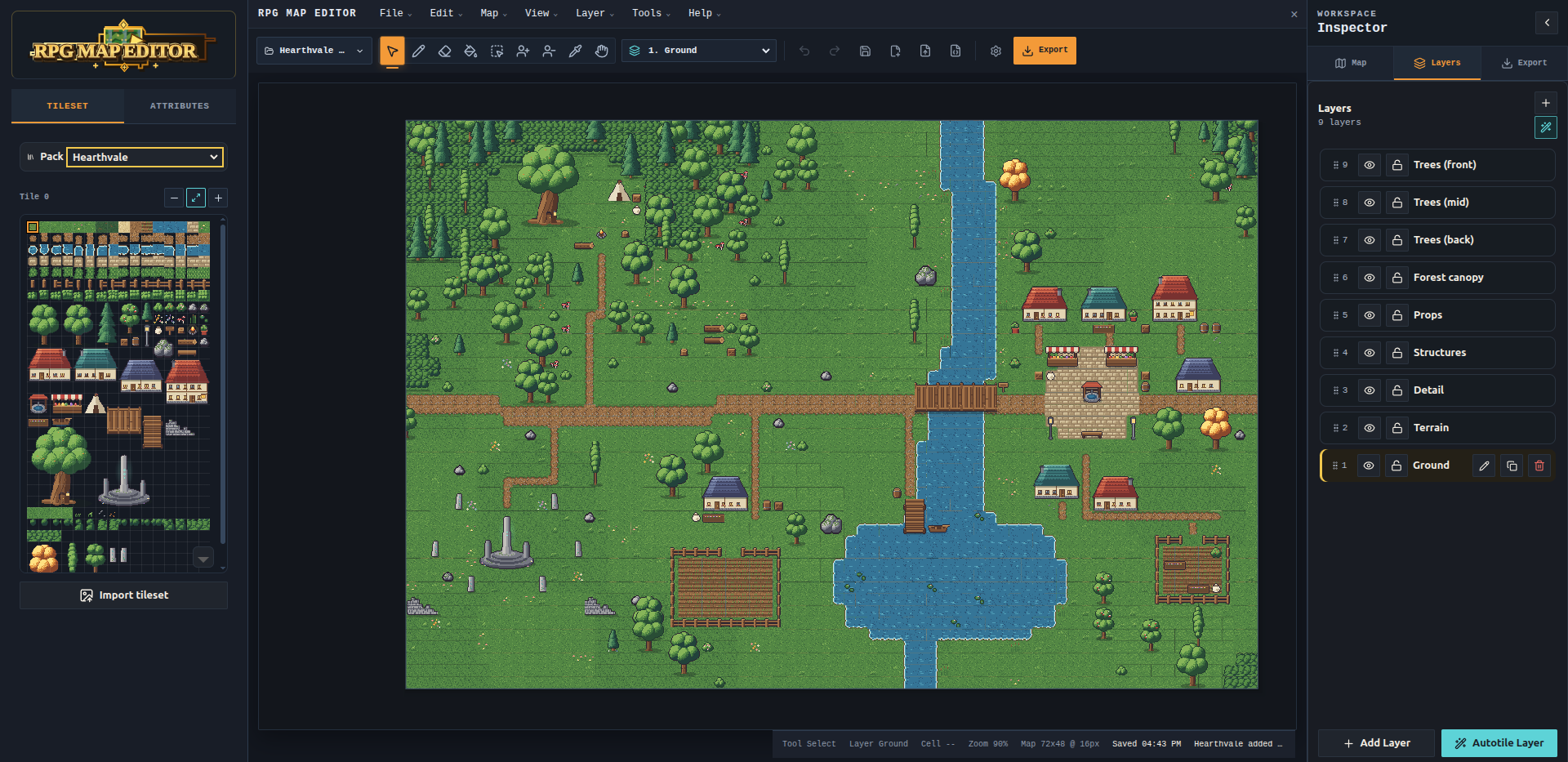
RPG Map Editor’s Offline Edition is now available for Windows and Linux for €14.99 as a one-time purchase. It includes the full desktop editor, local project files, PNG exports, and free editor updates delivered over the internet. Activate your computer once, then create, save, and export maps offline. A native macOS version is still in development.
Some campaigns meet every Friday. Others pause for a month while real life gets in the way. Your mapmaking tools should fit both schedules. The Offline Edition gives you a way to keep building your world without adding another monthly subscription to the table’s budget.
This release also brings a clearer account area and map library, while setting the direction for a future marketplace of premium handmade assets. Here is what you can use today, what comes with your purchase, and what we are working on next.
Available now: Windows and Linux desktop editor, €14.99 once, no subscription, free editor updates. In development: native macOS edition. Planned: a premium handmade asset marketplace for digital mapmaking and printed tabletop play.
Get the Offline Edition · Compare Online and Offline Editions
An offline RPG map editor for Windows and Linux
The Offline Edition brings the RPG Map Editor tools to your desktop. You can paint terrain, work on separate layers, use the bundled artwork, and import your own tilesets. Editable projects stay on your computer, where you can reopen an unfinished dungeon or adjust last week’s encounter before the next session.
Local saving, autosave, and crash recovery help protect work in progress. PNG export gives you a straightforward route into a virtual tabletop or onto paper. Keep the editable project alongside the exported image so you can move a bridge, widen a room, or change the season without rebuilding the map from scratch.
The current desktop downloads support Windows 10/11 x64 and Linux x86_64, including the supported Ubuntu versions listed on the Offline Edition page. Check that page for the current installer and system requirements before buying. The native Mac application is a separate development effort, rather than a download included in today’s supported release.
Internet access is needed to purchase, download, and activate the app. After activation, ordinary map creation, opening, saving, and exporting work offline. Downloading a new editor release requires a connection again; preparing tonight’s encounter does not.
Buy once instead of paying every month
The Offline Edition costs €14.99 once, including applicable tax. Your purchase provides a perpetual license for one active computer. The license does not expire at the end of a month, and there is no renewal payment to remember. You can transfer the activation when you replace your computer, following the account’s replacement steps and stopping use of the old installation.
That makes the desktop edition a practical choice for game masters who prefer to buy their tools outright. If you build maps in bursts, take breaks between campaigns, or keep a modest hobby budget, you can spend time on the next encounter without deciding whether another billing cycle is worthwhile.
The Online Edition remains available for people who value a browser workspace and cloud library. It is a separate subscription, with cloud maps and sharing features. Buying the Offline Edition does not add a cloud subscription, and you do not need an Online Edition subscription to use your activated desktop editor.
| What matters to you? | Offline Edition | Online Edition |
|---|---|---|
| Payment | €14.99 one-time purchase | Subscription; see current pricing |
| Where you edit | Installed desktop app | Modern desktop browser |
| Where projects live | Files on your computer | Cloud map library |
| Internet while creating | Not required after activation | Required for the online service |
| Editor updates | Free downloads when releases are available | Delivered through the web app |
| Best fit | Local projects and no recurring editor fee | Browser access, cloud storage, and sharing |
Choose the edition around how you actually prepare games. A local collection of reusable encounter maps is a good match for the desktop app. Moving between computers and sharing cloud maps may make the Online Edition more convenient. Compare both editions if you are deciding between them.
Free editor updates, without a second purchase
Offline Edition owners receive free editor updates over the internet. When a new desktop release is available, owners can download the updated editor through their account’s Offline Edition area. There is no monthly editor-update fee on top of the one-time purchase.
You stay in control of when you reconnect and download a release. Before updating, keep a backup of important project files, particularly maps for a campaign that is already underway. The point of a local workflow is that your saved projects remain close at hand, alongside the other material you use to run the game.
Free editor updates and optional premium artwork are separate things. The planned marketplace will offer additional assets and packs for purchase. Those packs are not required to keep using the editor, and a one-time editor license does not promise every future paid asset pack at no cost.
For Online Edition subscribers, editor improvements arrive through the website as part of their active service. Both editions continue to benefit from editor development, with delivery suited to the way each edition works.
Is RPG Map Editor a better Inkarnate alternative?
RPG Map Editor’s Offline Edition is a better fit if your priorities are offline editing, local project files, pixel-art tilesets, and a one-time editor purchase. That is a specific reason to choose it over a subscription-based online workflow, rather than a claim that every mapmaker should use the same tool.
Inkarnate’s official FAQ describes an online mapmaking platform that requires an internet connection. Inkarnate offers a free tier as well as paid subscription plans, and its current plans provide monthly and annual billing options. Its broad fantasy artwork and world, region, city, and battle-map styles may suit creators who want that visual approach.
If you want to open a local project on a laptop without Wi-Fi, or return to a campaign after a long break without renewing an editor subscription, RPG Map Editor’s desktop option answers a different need. The tile-and-layer workflow is also worth considering when you prefer crisp pixel art and direct control over a tactical map’s layout.
One-time payment alone is not unique to RPG Map Editor. Dungeondraft also offers an offline editor without subscriptions, including lighting tools, dungeon generation, and Universal VTT export. Those capabilities may matter more than the art style or workflow for some tables.
| Tool | Payment approach | Offline mapmaking | A useful reason to consider it |
|---|---|---|---|
| RPG Map Editor Offline Edition | €14.99 once | Yes, after initial activation | Local tile-based maps, custom tilesets, and free editor updates |
| Inkarnate | Free tier; paid plans use subscriptions | Its official FAQ says an internet connection is required | A broad fantasy-art catalogue and online mapmaking styles |
| Dungeondraft | One-time purchase | Yes | Dedicated battle-map tools, lighting, and Universal VTT export |
Comparison checked against the linked official product pages on October 3, 2026. We make RPG Map Editor; this is our explanation of the workflows, not an independent product review.
Our recommendation is simple: look at an actual map, choose the style you enjoy working with, and consider where you want your project files to live. For a closer workflow comparison, read our Inkarnate alternative guide or explore the map editor comparisons.
A clearer account page and map library
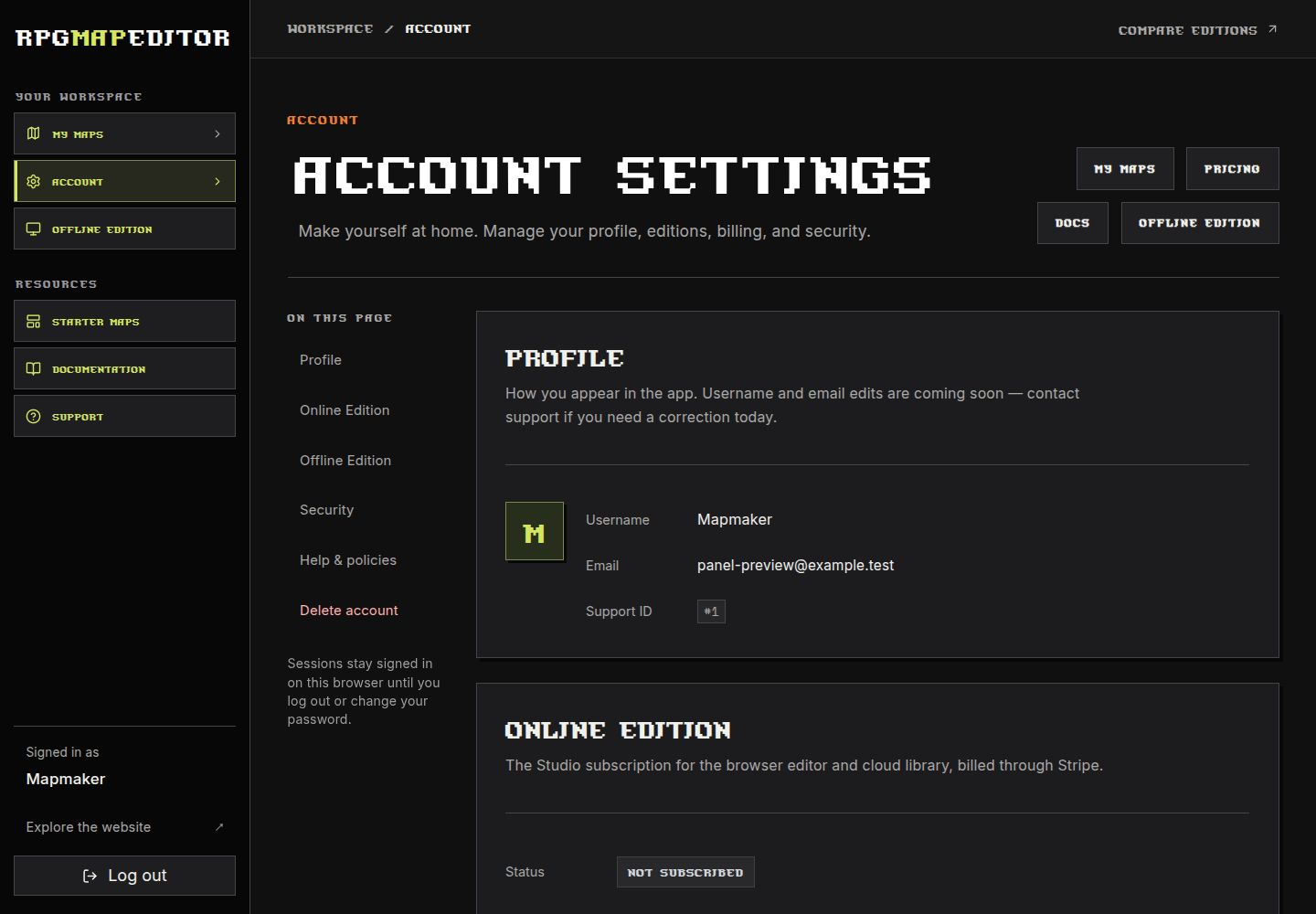
The redesigned account page puts the practical details in one place: your profile, Online Edition subscription status, Offline Edition ownership, security settings, and support links. The two editions have separate sections, so you can tell which access you have without treating a desktop purchase as a monthly plan.
Offline owners can use the account’s edition links to reach downloads and activation. Online subscribers retain their billing controls. Password settings and account management remain available in the same area. The page now uses the website’s dark panels, pixel typography, and clear action buttons, with a layout that adapts to smaller screens.
The My maps library has received the same treatment. Map previews, search, sorting, and actions share the updated visual language, making it easier to spot the encounter you need and continue working. This library belongs to the online workflow; your desktop project files continue to be saved locally.
The macOS version is still in development
The native macOS Offline Edition is in development and is not available in this release. We will announce its availability when it is ready. There is no confirmed release date to share yet.
If you use a Mac today, the Online Edition remains the browser-based option, with its own subscription. Before purchasing the desktop edition for a Mac workflow, wait for a supported macOS release announcement. Windows and Linux availability should not be read as a promise of current Mac compatibility or a particular delivery date.
We would rather give you a clear platform status than ask you to plan a campaign around an unfinished application. Watch the roadmap, release notes, and this blog for development updates.
Coming next: a premium handmade asset marketplace
We are planning an RPG Map Editor marketplace for premium handmade assets and asset packs. The aim is to offer carefully created artwork that helps you give a dungeon, village, wilderness encounter, or larger setting its own character.
The intended workflow covers both digital and physical tabletop play. Assets can form part of maps you use on a screen or export and print for the table. That means printable map artwork, rather than a promise that we will ship physical miniatures or printed products. We want each pack’s listing to make its contents, supported formats, and permitted uses clear before you buy.
The marketplace has not launched. Pack availability, prices, and licensing will be announced with the listings; no launch date is confirmed. In particular, personal tabletop use and commercial redistribution are different permissions, so creators should check the license attached to each future pack.
Premium packs will be optional additions to your toolkit. You can already work with the editor’s bundled artwork and import compatible custom tilesets, subject to their licenses. Browse the asset pack guide, follow the marketplace plans, or tell us what artwork your campaign needs.
From desktop purchase to your next encounter
Getting started follows a short sequence:
- Visit the Offline Edition page and check the current system requirements and purchase details.
- Sign in or create your RPG Map Editor account, then complete the one-time purchase.
- Download the Windows installer or Linux AppImage offered for your account.
- Open the app, use its Device ID to activate your computer, and import the downloaded license file.
- Create a map, save the editable project locally, and export a PNG when it is ready to play.
A useful first project is a small encounter you can finish in one sitting: a bridge, a campsite, or two connected dungeon rooms. Keep entrances, cover, and movement routes readable. You can build out the surrounding world later.
For online play, upload the PNG to Roll20 or Foundry VTT and set the grid scale there. PNG handoff does not automatically create walls, doors, lighting, or tokens. For physical play, check the grid size and your printer’s scaling before printing the whole map. Our printable battle map guide and VTT export guide cover those next steps.
Questions before you choose an edition
Do I need a monthly subscription for the desktop editor?
No. The Offline Edition is a €14.99 one-time purchase with a perpetual license for one active computer. The Online Edition subscription is separate, and is not required to use your activated desktop app.
Are editor updates free for owners?
Yes. Offline Edition owners receive free editor updates to download over the internet when releases are available. Optional premium marketplace assets will be separate purchases; they are not an editor-update charge.
Can I create maps without an internet connection?
Yes, after downloading and activating the Offline Edition. Creating, opening, saving, and exporting local maps work offline. Initial purchase, activation, and downloading updates need internet access.
Can I use the desktop editor on a Mac now?
The native macOS version is still in development. Today’s Offline Edition release supports Windows and Linux. Mac users can consider the browser-based Online Edition while they wait for a native release.
Can I print maps made with the editor?
Yes. Export a PNG and prepare it for your printer, checking the grid scale and page layout. You can also use exported images in your preferred virtual tabletop. Permissions for imported or future premium artwork depend on the relevant asset license.
Is the asset marketplace open yet?
No. A marketplace for premium handmade assets and packs is planned. We will announce the available packs, formats, prices, and licenses when it launches.
Build your world at your own pace
The Offline Edition adds a lasting option to the RPG Map Editor lineup: buy the desktop editor once, keep your editable projects on your computer, and return to them whenever the campaign needs a new place to explore.
If local files and no recurring editor fee are what you have been looking for, get the Offline Edition for €14.99. If cloud maps and browser access are more useful to your table, compare the editions before choosing. Already own the desktop app? Open your account and head to your Offline Edition downloads.