Skip to content

NEW in RPGMapEditor.com 2.0

World Studio: maps of worlds that live.

Generate a whole fantasy continent in seconds, then shape it. Raise a ridge and the river behind it backs up into a lake. Raise the sea and the coast floods. Rivers, lakes and borders are recalculated after every edit.

Included in the Online Edition (from $3/month), alongside the Classic tile editor. The free map generators still need no account.

Real screen recording in real time: three clips from one session, joined. Watch the full session →
Presets
6 world presetscontinents, pangaea, archipelago, island, highlands, inland sea
Styles
4 map stylesParchment, Atlas, Ink & Quill, Astral, switched instantly
Saves
Versioned savesthe last 20 saves of every world, each downloadable
Table
Player viewfog of war on a second screen, updated as you paint

Two editors · one account

Pick the right tool for the map.

World Studio is new. The Classic tile editor and everything you have made with it stay exactly where they are.

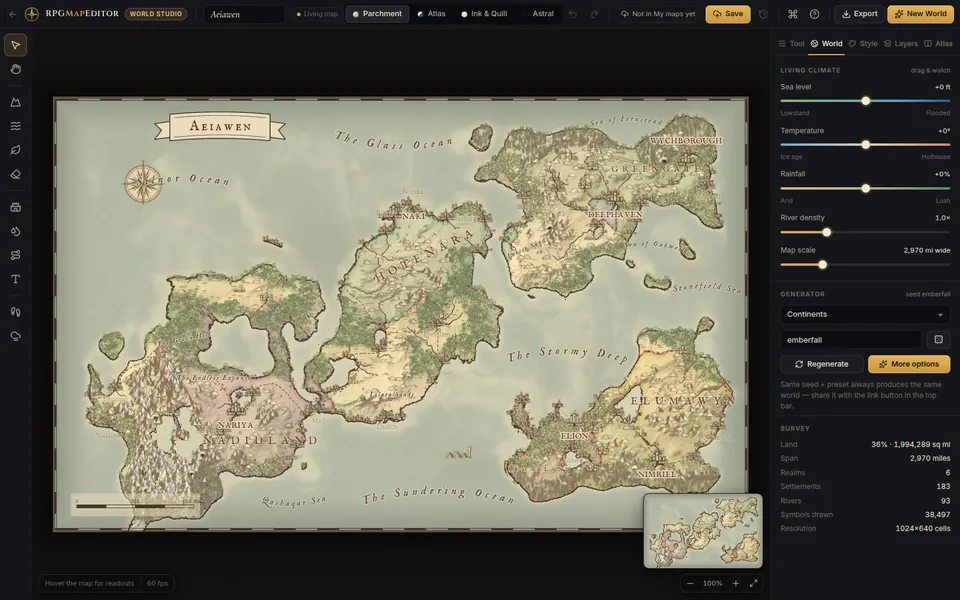
World Studio with a generated continent, the tool rail on the left and the world settings panel on the right
New · World Studio

Whole worlds and regions

For campaign maps, continents and kingdoms. Generated terrain, climate, rivers, realms, roads and names that you sculpt and repaint.

  • Living hydrology: rivers, lakes and borders follow your edits
  • Sea level, temperature, rainfall: live sliders
  • Journey planner: miles and days on foot or horseback
  • PNG export plus .rpgmap project files
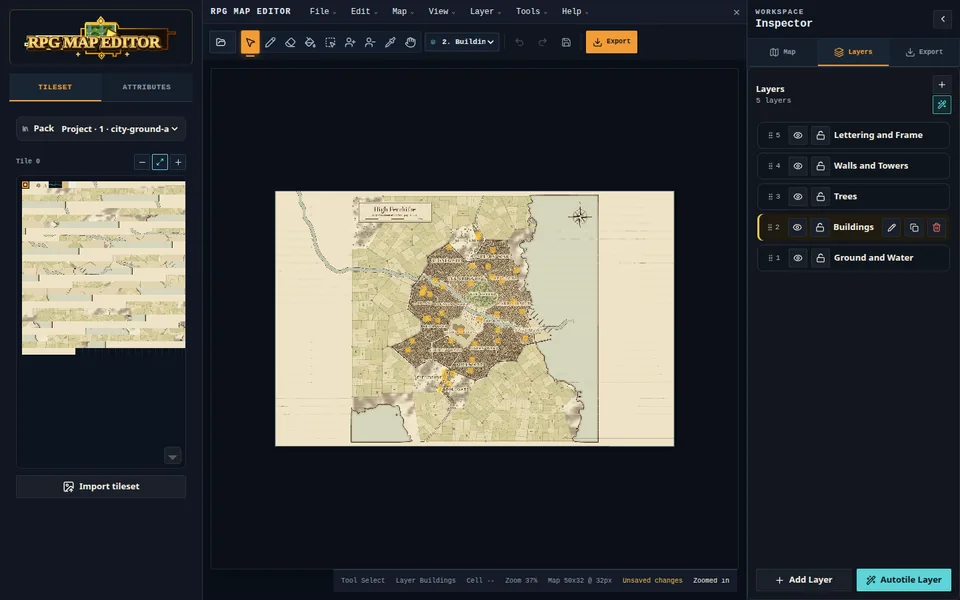
The Classic tile editor with a generated city, tile palette, toolbar and editable layers
Classic tile editor

Battle maps, dungeons, tilemaps

For encounter maps and game levels. Tile layers you paint by hand or start from the city and region generators.

  • Layers, autotile, selections and your own tilesets
  • Objects with fields for places and notes
  • Share links for your players
  • PNG, project files and engine starter exports

Same sign-in and the same Online Edition subscription. World Studio worlds and tile maps are listed together in My maps.

A river valley before the edit The same valley after a ridge was raised across it: the river now backs up into a new lake Before After

Two screenshots of the same view, before and after one sculpting stroke. Nothing was retouched or edited by hand.

The living map

Edit the land. The water follows.

Most map editors treat a river as paint. World Studio keeps what you author (elevation, climate, places, roads) separate from what follows from it: lakes, flow, rivers and realm borders. After each edit those are recalculated in a background worker.

  • Sculpt: raise, lower, smooth, flatten, roughen, or weather a slope with local erosion
  • Rivers: hover to see where water would run, click to carve it, or draw your own
  • Borders: drag a capital and its realm re-flows around mountains and rivers
  • Undo for every edit, including sliders

Four art directions

One world, four ways to ink it.

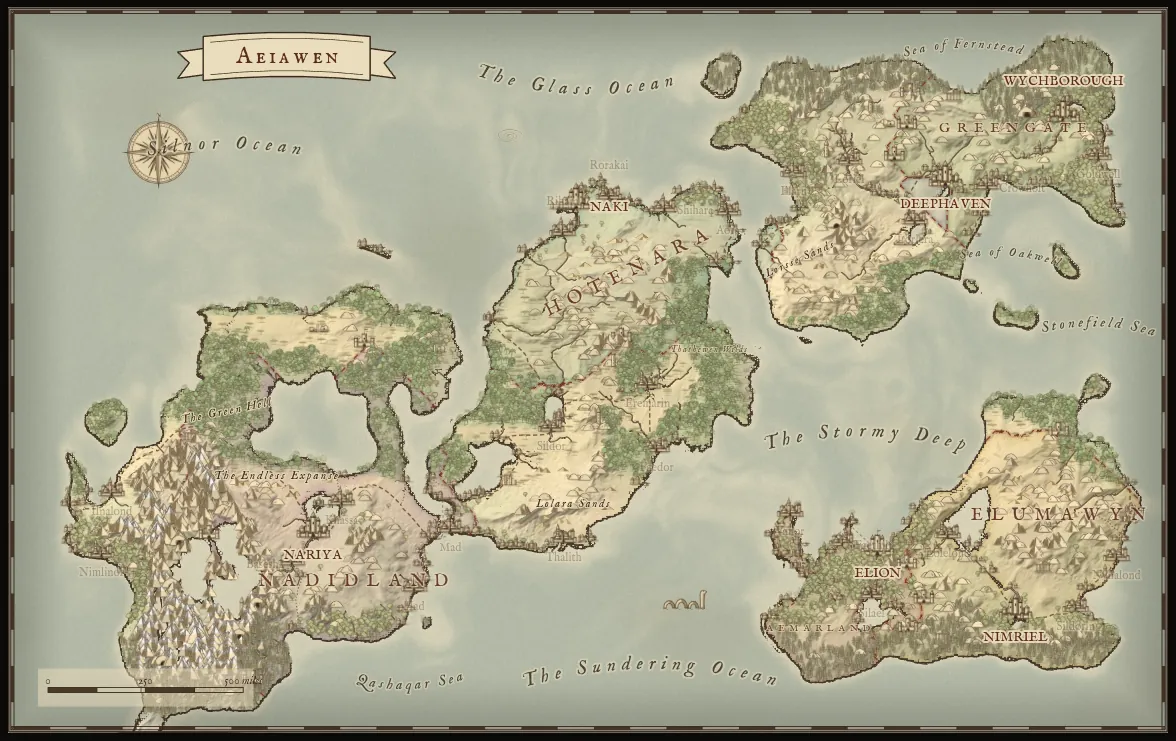
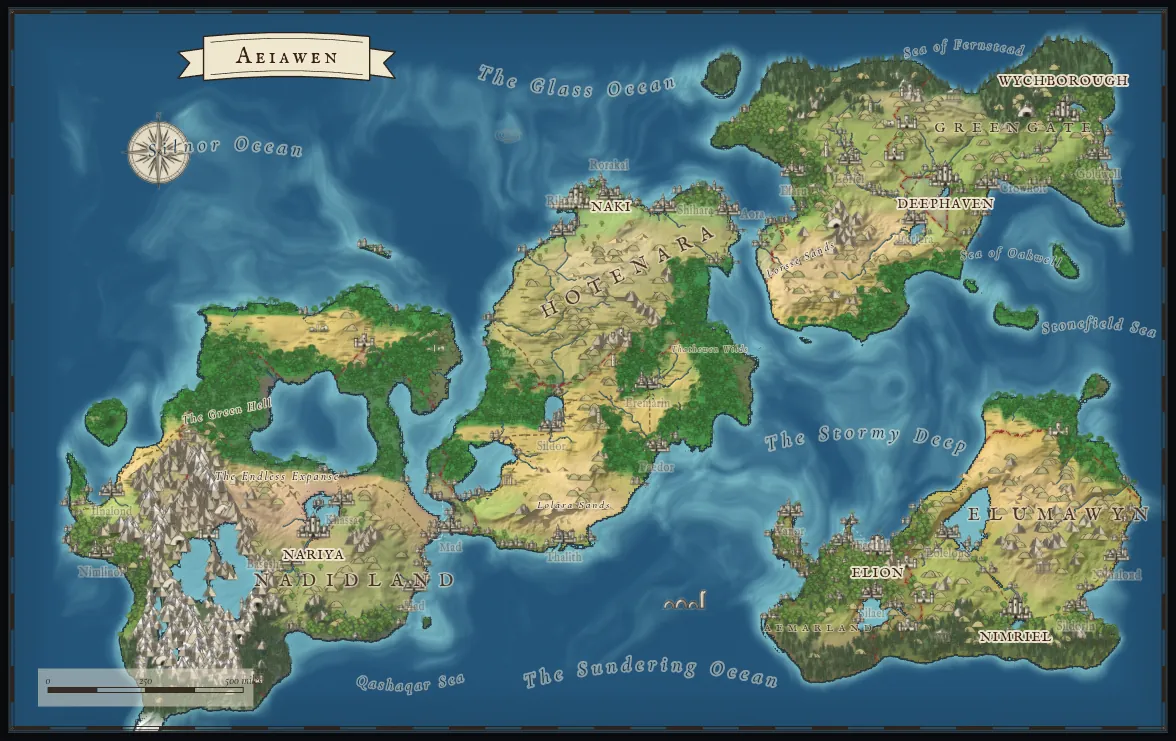
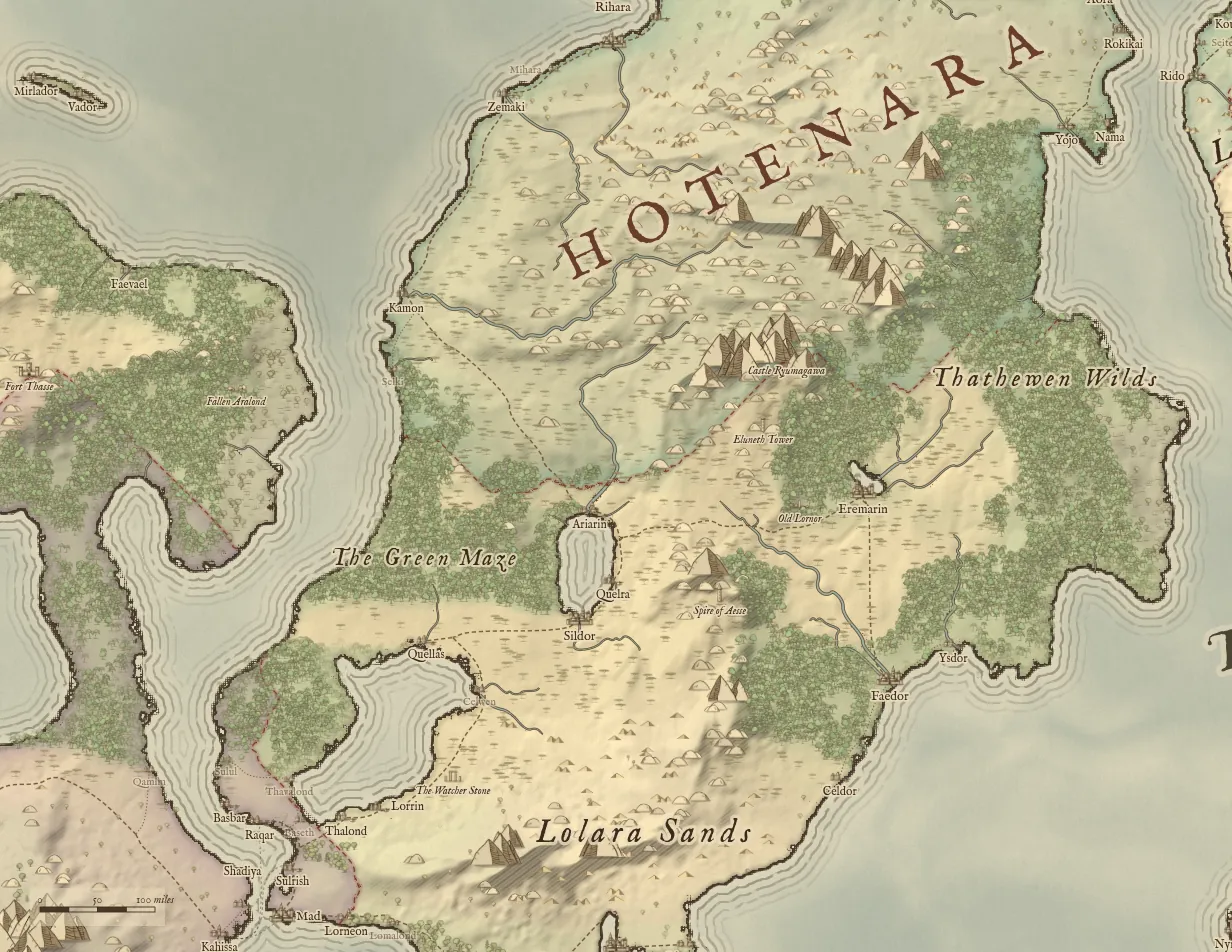
Styles are data, not filters: switching is instant, and sun direction, hatching, paper and realm tint stay adjustable.

Map style
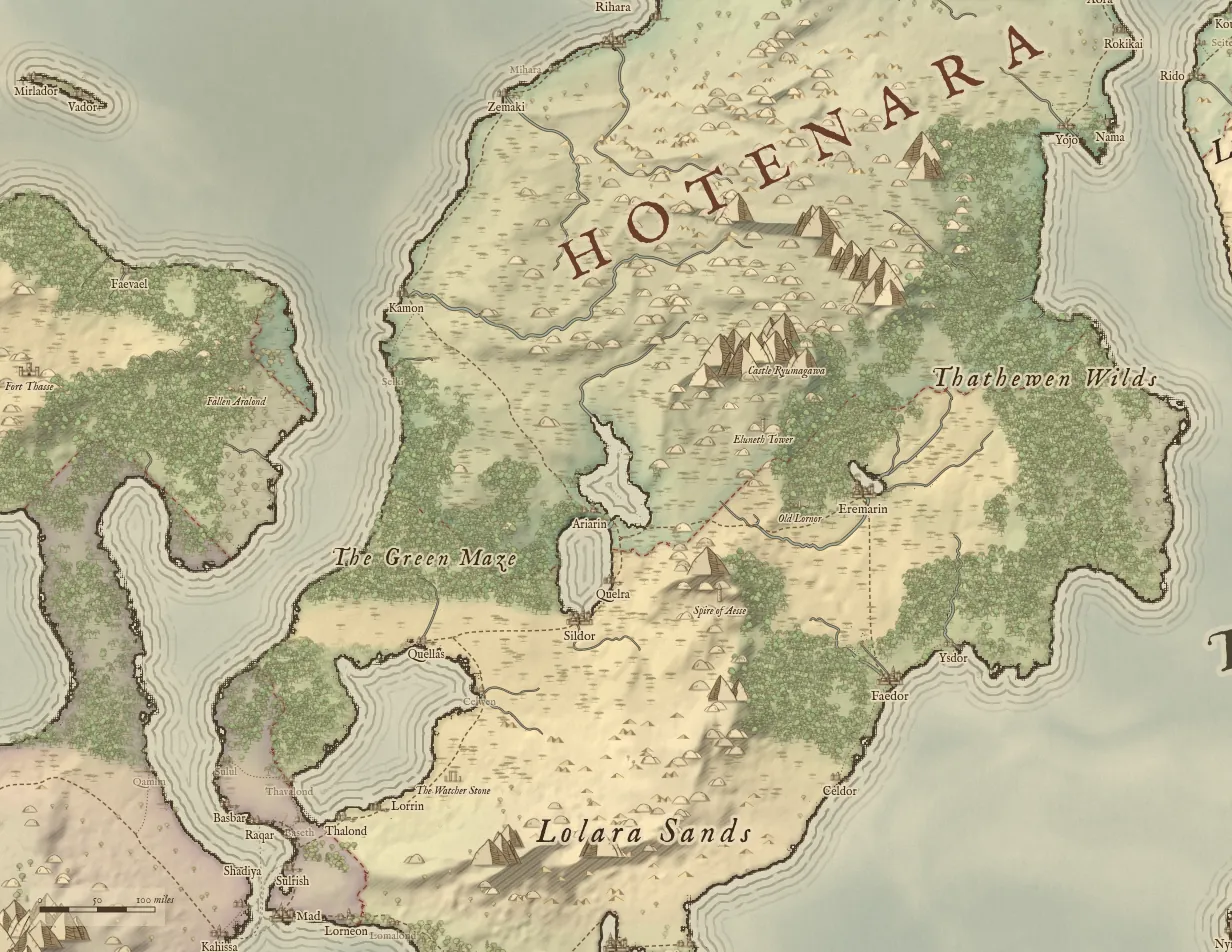
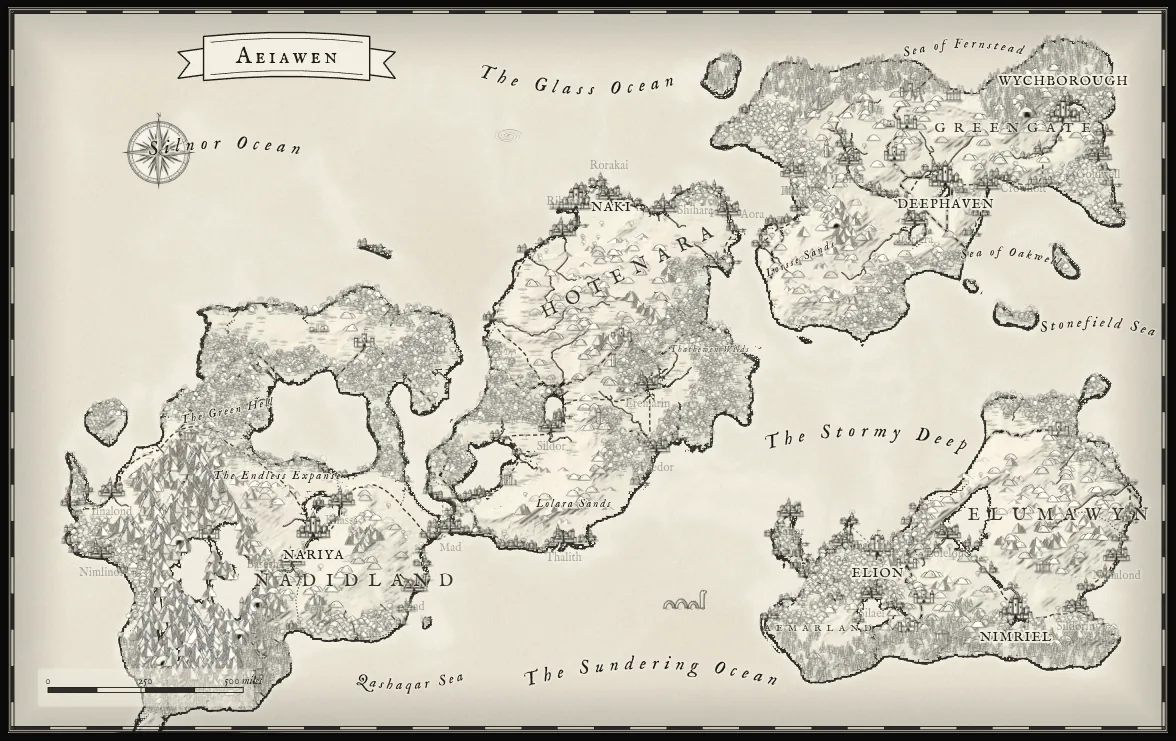
A generated continent in the Parchment style
Parchment
The same continent in the Atlas style
Atlas
The same continent in the Ink and Quill style
Ink & Quill
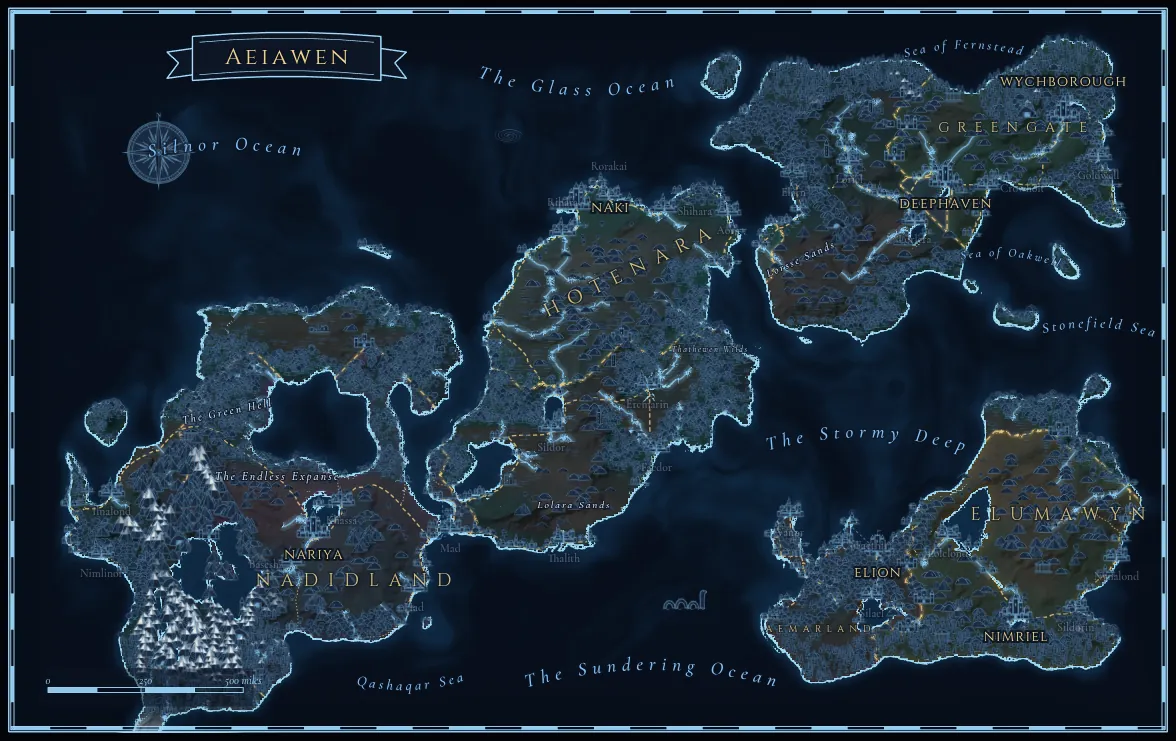
The same continent in the Astral style
Astral

Saved like it matters

Your world, in every version.

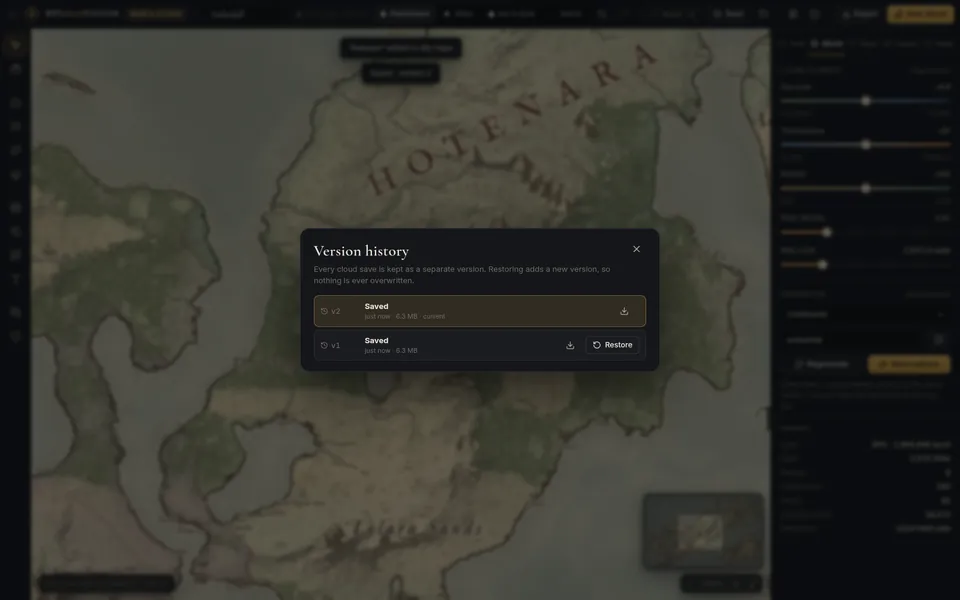
Each save to My maps is kept as its own version. Restoring an old one adds a new version on top, so going back never throws anything away.

The World Studio version history dialog listing two saved versions with download and restore buttons

Never overwritten by surprise

If the same world was saved from another tab or device, you choose: save yours as a new world, replace (theirs stays in history), or load theirs after downloading yours.

Kept in your browser too

Unsaved edits are mirrored to your browser. Close the tab by accident and they are offered back when you reopen the world.

Always yours to download

Any saved version downloads as a .rpgmap file. Deleted worlds can be restored for 30 days, and saved worlds stay downloadable if you cancel.

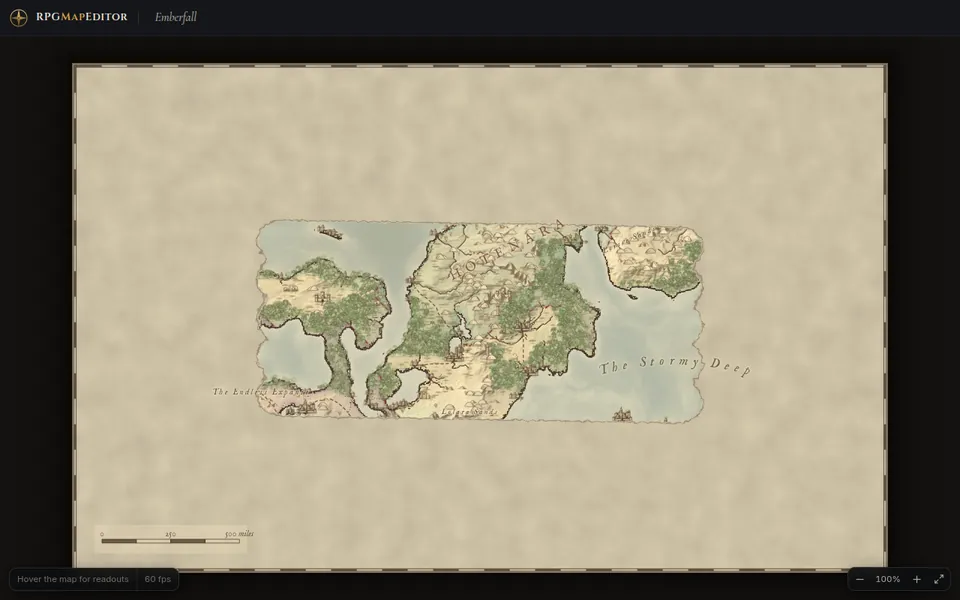
The World Studio player view window showing the map under fog of war

At the table

Reveal the world as they explore it.

Paint fog of war, then open the Player View on a second screen. Players see only the areas you reveal, names inside the fog stay hidden, and the view updates as you paint.

  • Journey planner: route between two places with distance and days on foot or horseback
  • Hex or square travel grid, minimap and a searchable gazetteer
  • PNG export at up to 6× map resolution, depending on map size and graphics card

Unedited session

Watch a full session.

About 35 seconds, recorded on our staging server with a test account on the Online Edition: open World Studio from My maps, generate, sculpt, flood the coast, change style, save, open the history. Played back in real time; only the page load and first generation wait are cut.

Questions

Before you start a world.

Each account can keep up to 100 worlds and 2 GB of World Studio saves, including version history.

Do I need to install anything?

No. World Studio runs in a desktop browser with WebGL2. It is tested in current Chrome; other browsers with WebGL2 may work but are not verified yet. It is designed for a mouse or trackpad and a keyboard, not for phones.

Is it the same as the Classic tile editor?

No. World Studio is a separate editor for whole-world maps where terrain, climate and water are simulated. The Classic tile editor is for layered tile maps such as battle maps and dungeons. Both use the same account and the same Online Edition subscription, and both stay available.

How are my worlds saved?

Press Ctrl+S or Save to store the world in My maps; World Studio also saves automatically after 45 seconds without edits. Every save is kept as a separate version you can download or restore, and restoring adds a new version instead of overwriting. Unsaved edits are kept in your browser in case the tab closes.

What can I export?

PNG images at up to 6x map resolution, depending on map size and your graphics card, with labels and the map frame, plus .rpgmap project files you can open in World Studio again. World Studio does not export tilemaps, vector files or VTT walls.

Can my players see the map?

Yes. Paint fog of war, then open the Player View in a second window, for example on a shared screen. It shows only what you have revealed and updates as you paint.

Is it an AI image generator?

No. Worlds are generated by deterministic procedural algorithms that run in your browser: the same seed and settings always produce the same world. No AI image service is involved.

Start with a seed. Shape the rest.

World Studio is included in the Online Edition, together with the Classic tile editor.

RPGMapEditor.com 2.0 is a release of this website. It is not affiliated with Deepnight's RPG Map / RPG Map II.