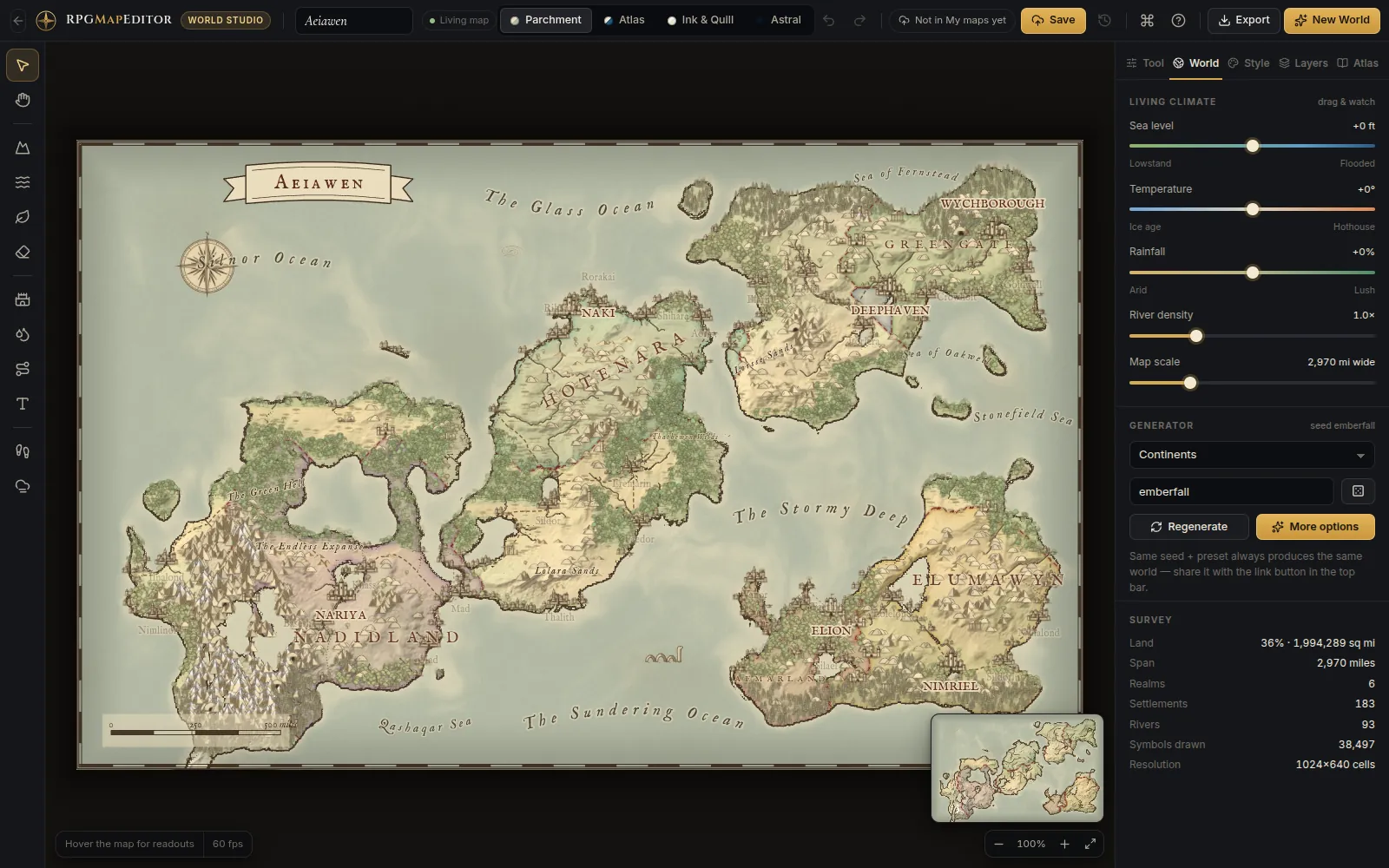
The core trade-off
Browser editors give you instant access, zero installation, and cross-device availability. Desktop editors give you offline reliability, larger file handling, and (sometimes) deeper feature sets.
For most DMs doing weekly session prep, the trade-off heavily favors browser tools. For artists building detailed campaign worlds, desktop apps may justify their setup cost.
Browser-based editors: strengths
Zero friction start
No download, no installation, no disk space. Open a URL and start painting. This matters when:
- You're prepping 30 minutes before the session
- You're on a work laptop that won't let you install software
- You're at a friend's house and want to tweak a map
RPG Map Editor runs in any modern browser — Chrome, Firefox, Edge, Safari.
Automatic updates
Browser tools update server-side. You always have the latest version with no manual patches or migration steps.
Cross-device access
Start a map on your desktop, tweak it on your laptop, export from your tablet. Your projects are saved to your account, not a local file.
Lower resource usage
Browser editors don't install background services or consume disk space when idle. They use memory only while the tab is open.
Browser-based editors: weaknesses
Internet dependency
You need a connection to load the app and save projects. If your internet drops mid-session, you might lose unsaved work (though most tools auto-save).
Performance ceiling
Very large maps (100+ cells, complex layer stacks) can push browser memory limits. Canvas-based editors handle most battle maps fine, but world maps or mega-dungeons may struggle.
File management
Your projects live on someone else's server. If the service shuts down, you lose access unless you've exported everything. Always keep local PNG copies of finished maps.
Desktop editors: strengths
Offline reliability
No internet required after installation. Critical for DMs in areas with unreliable connections or for prepping during travel.
Advanced features
Desktop apps often include:
- Vector drawing tools
- Procedural dungeon generation
- Multi-layer compositing
- Plugin ecosystems
- Custom scripting
Large file handling
Desktop apps can work with huge canvases (10000+ px) and complex layer stacks without browser memory constraints.
Local file control
Your files are on your disk. No server dependency, no account, no subscription (usually — some desktop apps still use subscriptions).
Desktop editors: weaknesses
Installation and updates
Download, install, configure, update. Each step is a barrier, especially on locked-down machines or when you just want a quick map.
Platform lock-in
Most desktop editors run on Windows only, or Mac only, or require specific GPU drivers. Cross-platform options exist but are rarer.
Cost
Many desktop map editors require a one-time purchase ($20–$50+). Browser editors often have free tiers that cover basic needs.
When to choose browser
Choose a browser-based editor like RPG Map Editor if:
- You prep weekly encounters (not campaign worlds)
- You want instant access without setup
- You export to VTTs (Roll20, Foundry) regularly
- You work across multiple devices
- You value speed over maximum feature depth
When to choose desktop
Choose a desktop editor if:
- You build detailed world maps or city illustrations
- You need offline access in unreliable-internet environments
- You require vector graphics or procedural generation
- You have a single dedicated workstation for map work
- You want full local file ownership with no server dependency
The hybrid approach
Many DMs use both:
- Browser editor for quick battle maps and encounter prep
- Desktop editor for world maps, city maps, and long-term projects
The two workflows complement each other. Build your overview map in a desktop tool, then create individual encounter maps in RPG Map Editor for each session.
Conclusion
There's no universally "better" option. Browser editors optimize for speed and accessibility. Desktop editors optimize for depth and offline independence. Pick the tool that matches your actual workflow — and remember that the best map is the one that's ready when your players arrive.
For a deeper comparison of specific tools, see our comparison hub or read about the Inkarnate alternative comparison.
Frequently asked questions
Are browser-based map editors as capable as desktop apps?
For battle map prep, yes. Browser editors like RPG Map Editor handle terrain painting, stamps, grids, and PNG export effectively. Desktop apps may offer more advanced features like procedural generation or vector illustrations, but browser tools cover 90% of session-prep needs.
Can I use a browser map editor offline?
Most browser editors require an internet connection. However, once loaded, RPG Map Editor works in your browser tab — you can paint and export even if your connection drops temporarily. For guaranteed offline use, desktop apps are the safer choice.
Which is faster for last-minute session prep?
Browser editors. No installation, no updates, no file management — open a tab, paint a map, export PNG, and import into your VTT. Desktop apps have higher ceilings but higher setup costs.